It is an open source Content Management System (CMS) written in PHP with MySQL/MariaDB that provides developers and site owners a web-based administration and development framework.
The following steps will install the minimum system foundation (Ubuntu 20.04 LTS) needed to run the web application.
PRE-CONFIGURATION
sudo apt update && sudo apt upgrade -y && sudo apt install zip unzip -y
sudo apt install tasksel -y
sudo tasksel install lamp-server
sudo mysql -u root
CREATE AN EMPTY DATABASE AND NEW USER CREDENTIALS
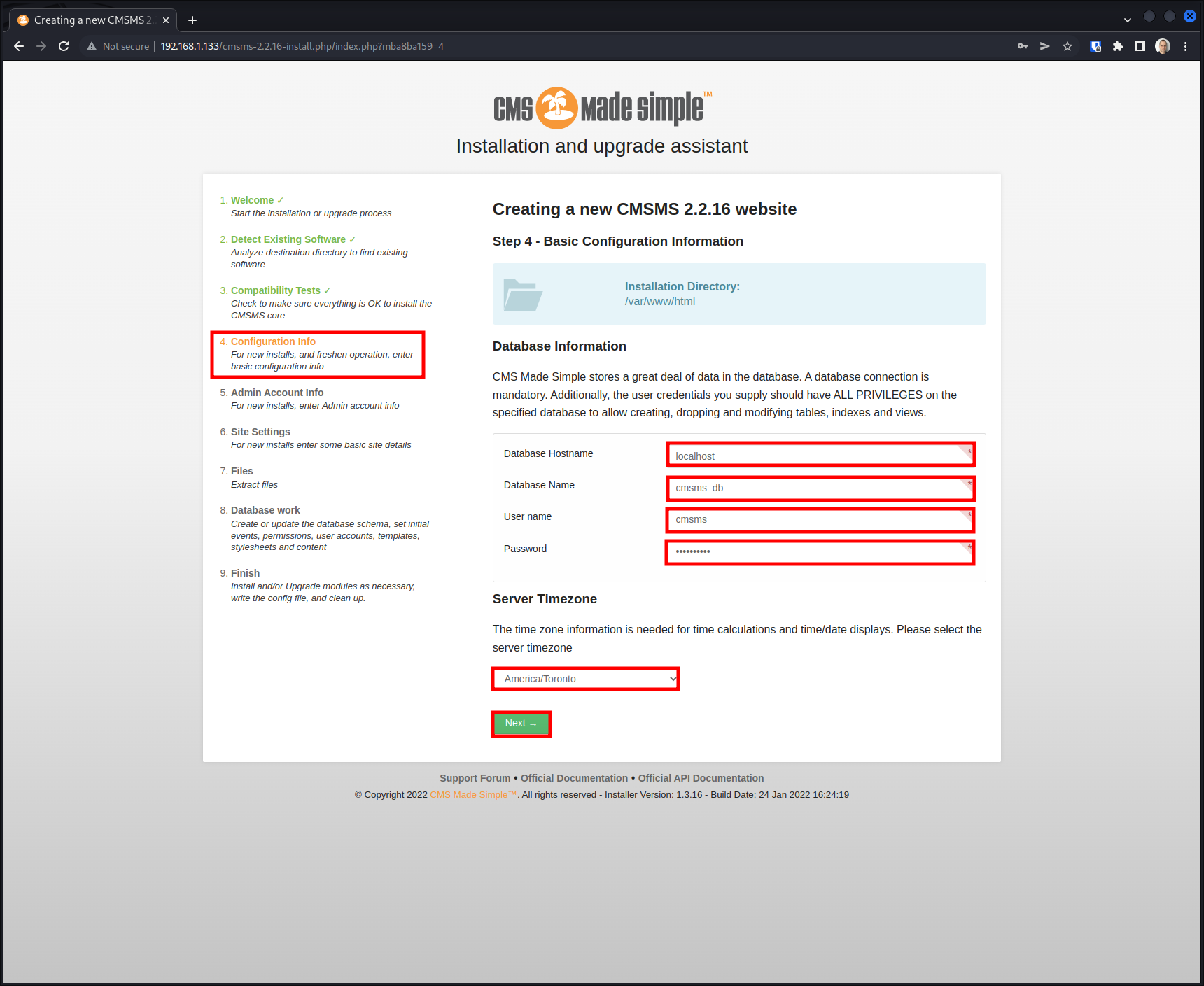
mysql> CREATE DATABASE cmsms_db;
mysql> CREATE USER 'cmsms'@'localhost' IDENTIFIED BY 'strongPass';
mysql> GRANT ALL PRIVILEGES ON cmsms_db.* TO 'cmsms'@'localhost';
mysql> SELECT user, host FROM mysql.user;
mysql> FLUSH PRIVILEGES;
mysql> EXIT;
DOWNLOAD AND EXTRACT CMSMS
cd /var/www/html
sudo wget https://s3.amazonaws.com/cmsms/downloads/14953/cmsms-2.2.16-install.zip
sudo unzip cmsms-2.2.16-install.zip
sudo chown -R www-data:www-data /var/www/html/
sudo chmod -R 755 /var/www/html/
rm cmsms-2.2.16-install.zip index.html README-PHAR.TXT
sudo apt install libapache2-mod-php7.4 php7.4-common php7.4-mbstring php7.4-xmlrpc php7.4-soap php7.4-gd php7.4-xml php7.4-intl php7.4-mysql php7.4-cli php7.4-zip php7.4-curl -y
sudo a2enmod rewrite
sudo systemctl restart apache2
COMPLETE THE INSTALLATION IN THE BROWSER
Use the following command to find the server’s IP address.
ip a
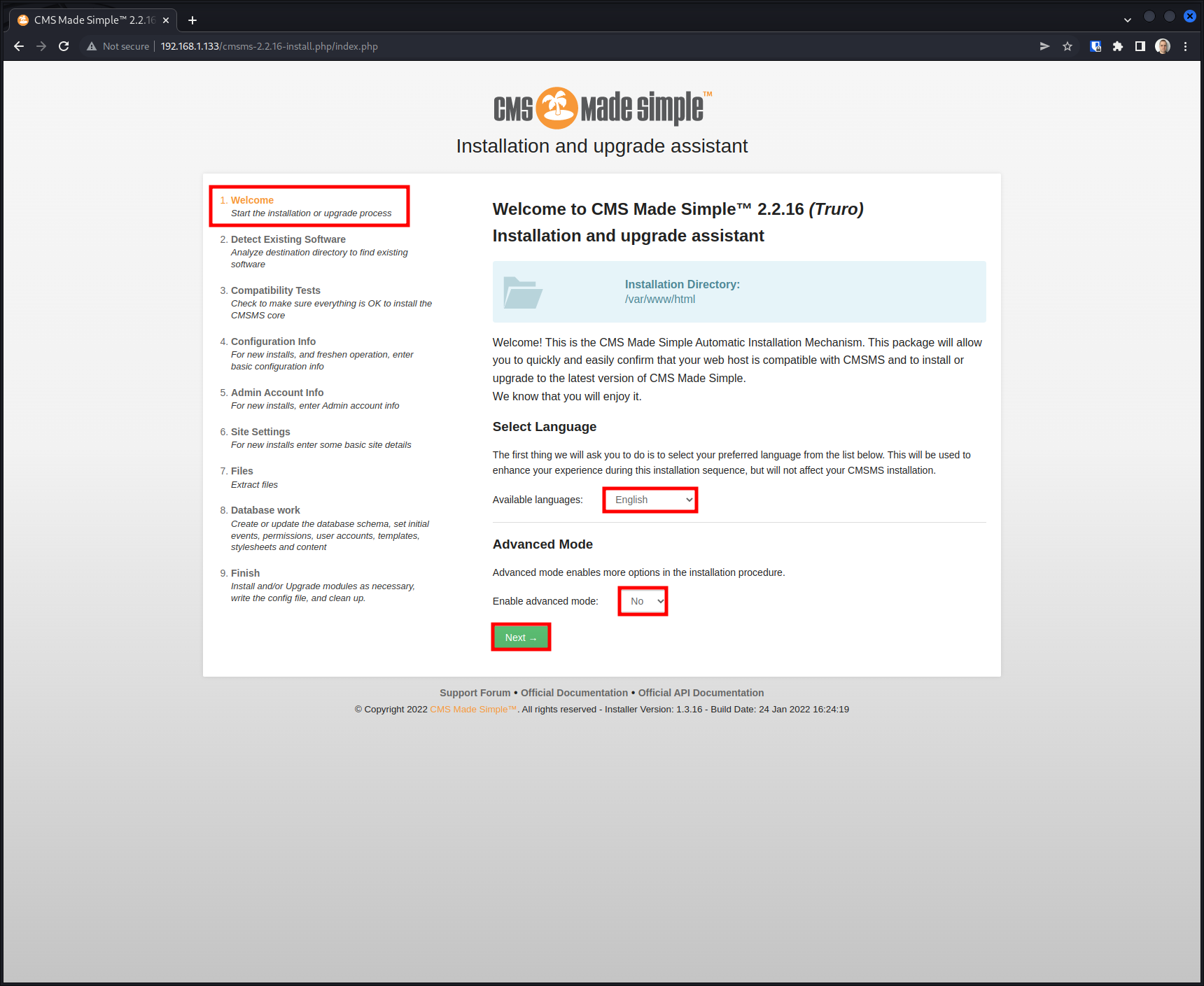
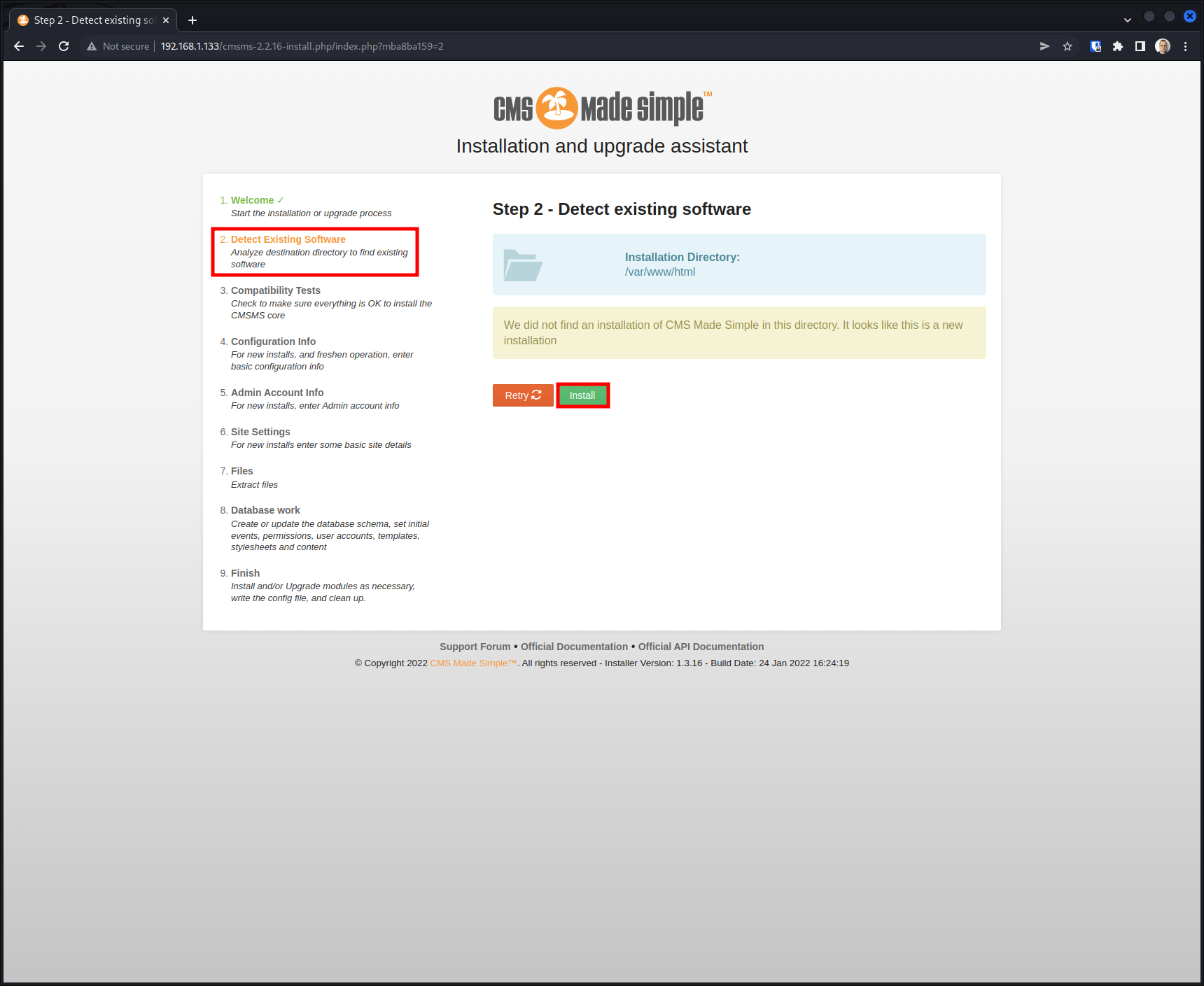
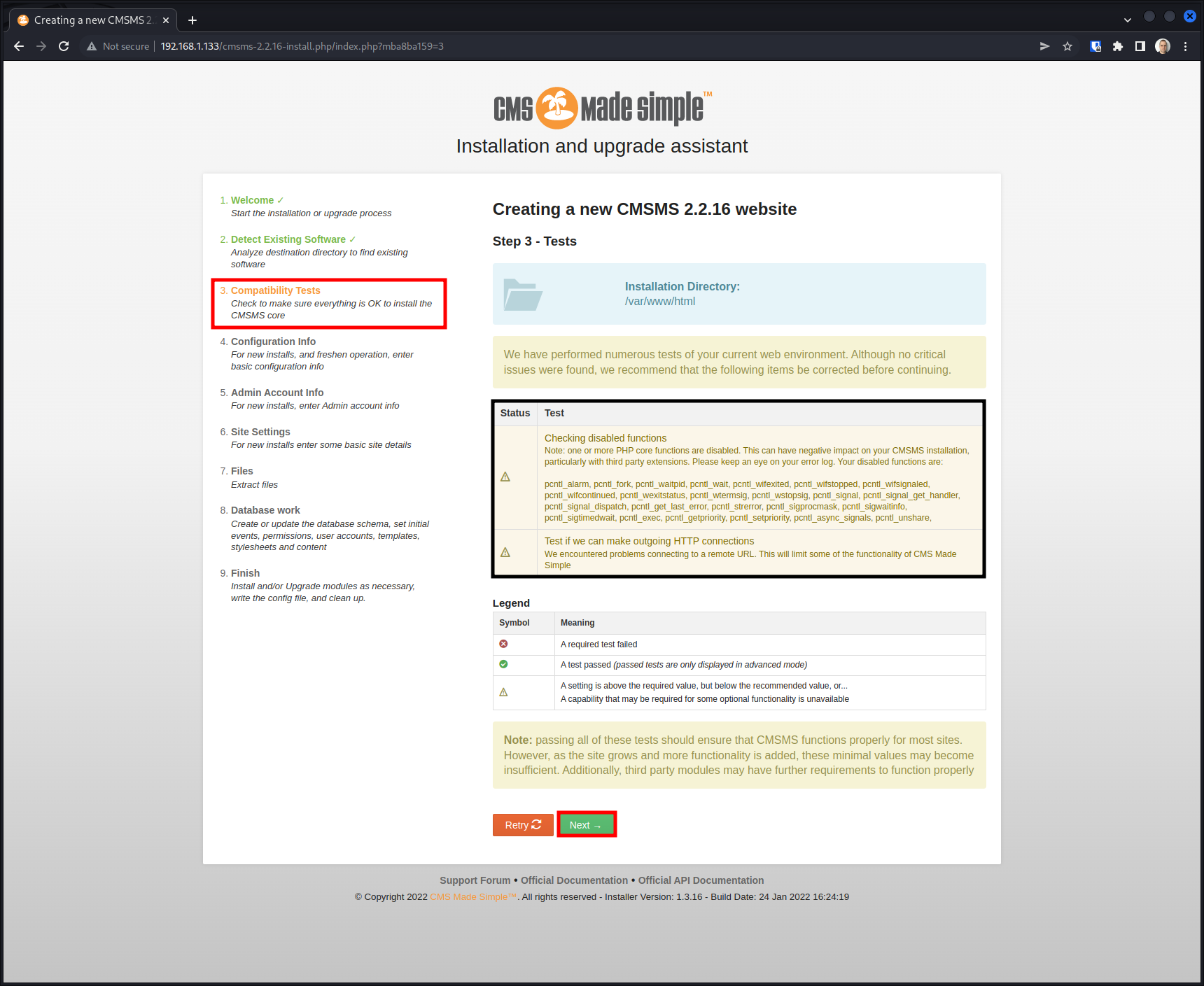
Open a web browser and navigate to the address below (replacing the IP with your server’s address), then follow the installation steps.
http://192.168.1.133/cmsms-2.2.16-install.php/index.php
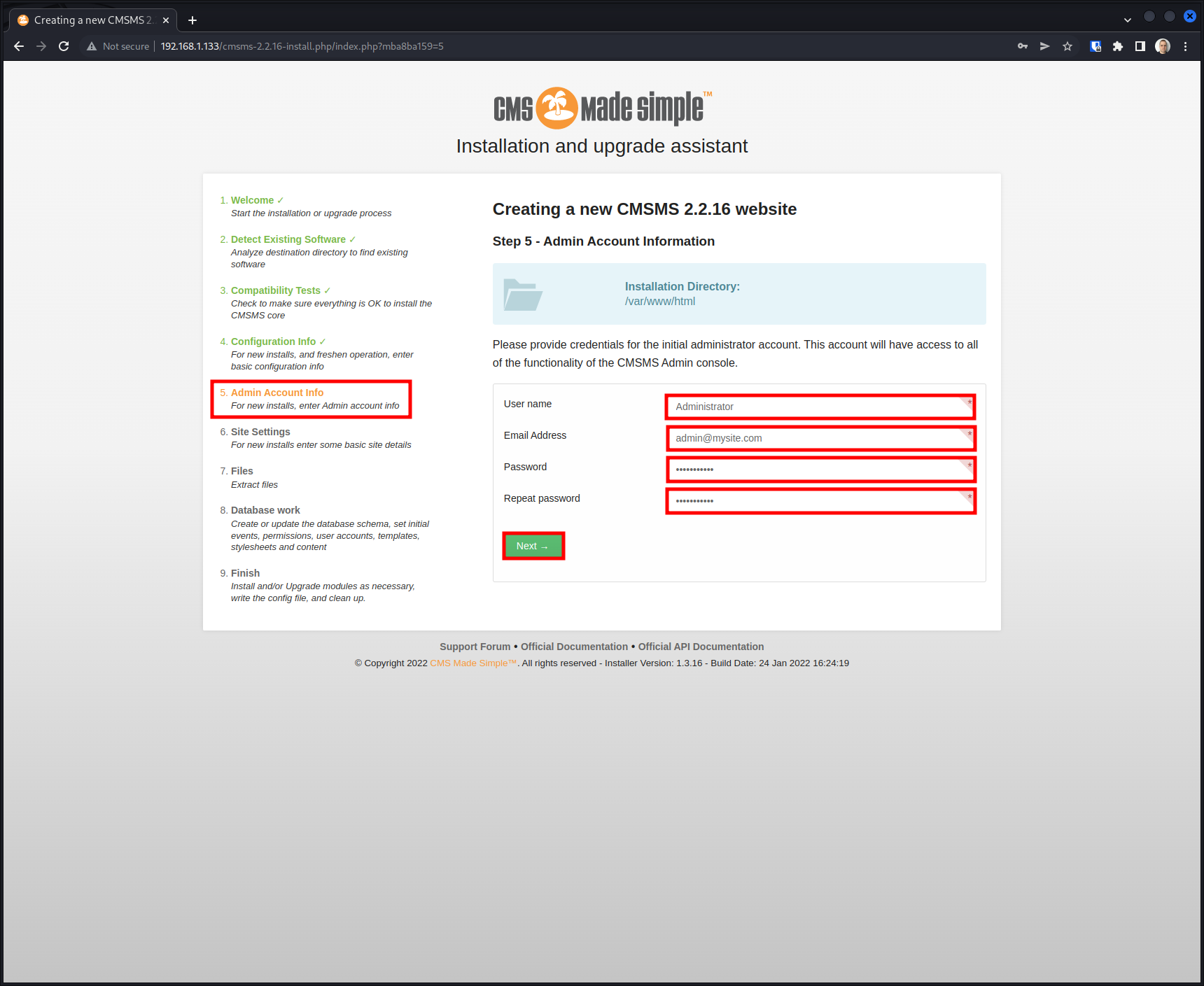
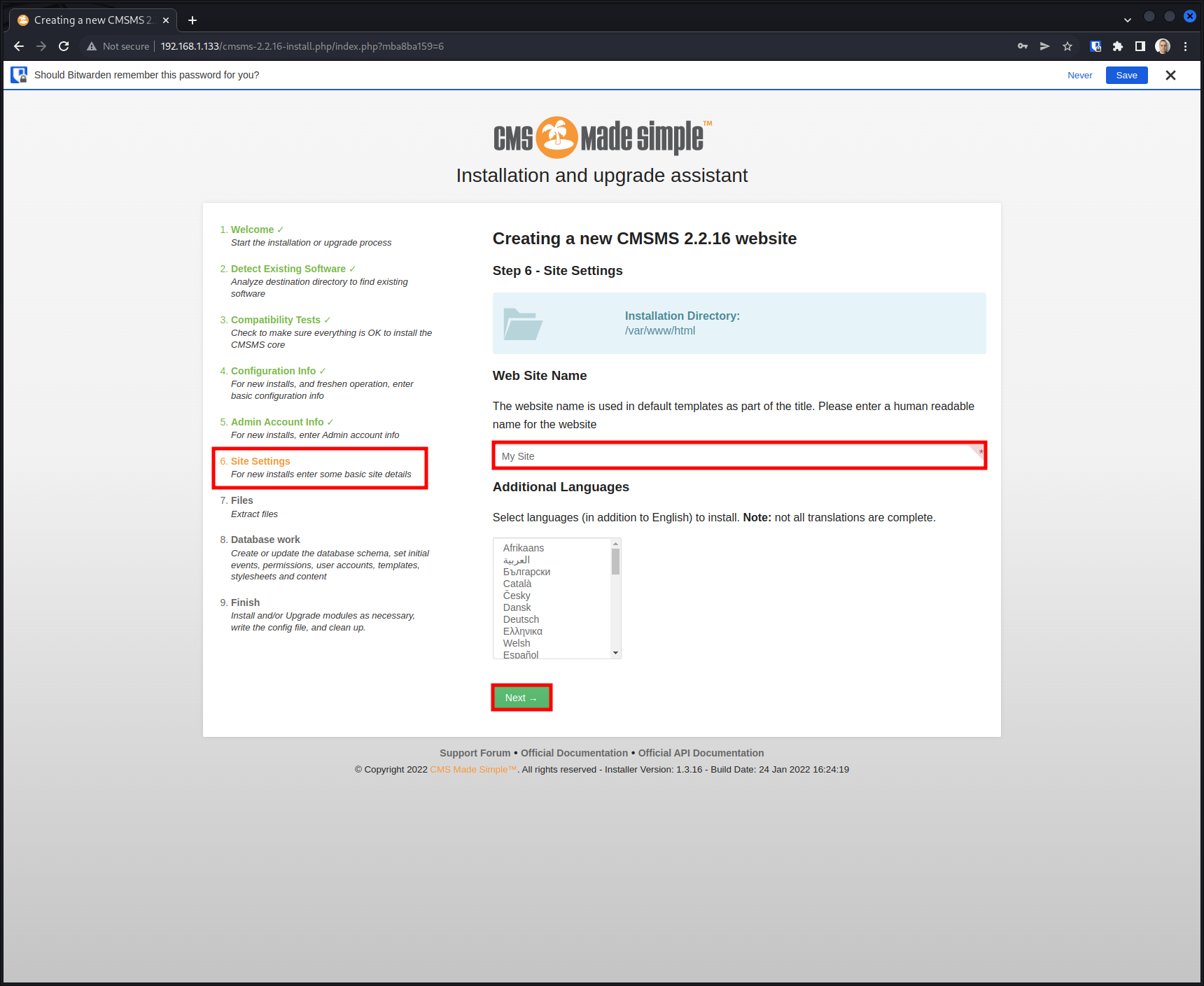
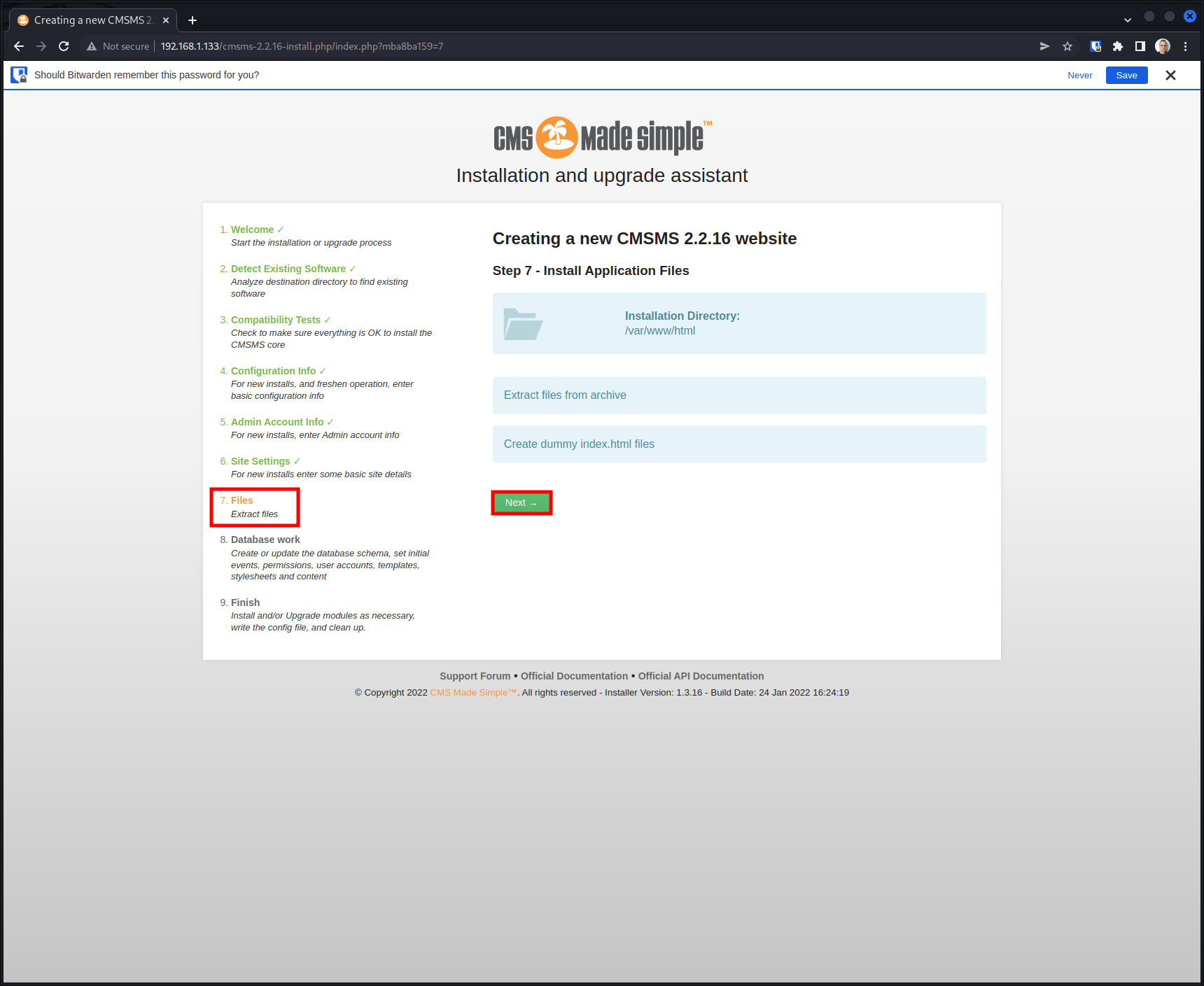
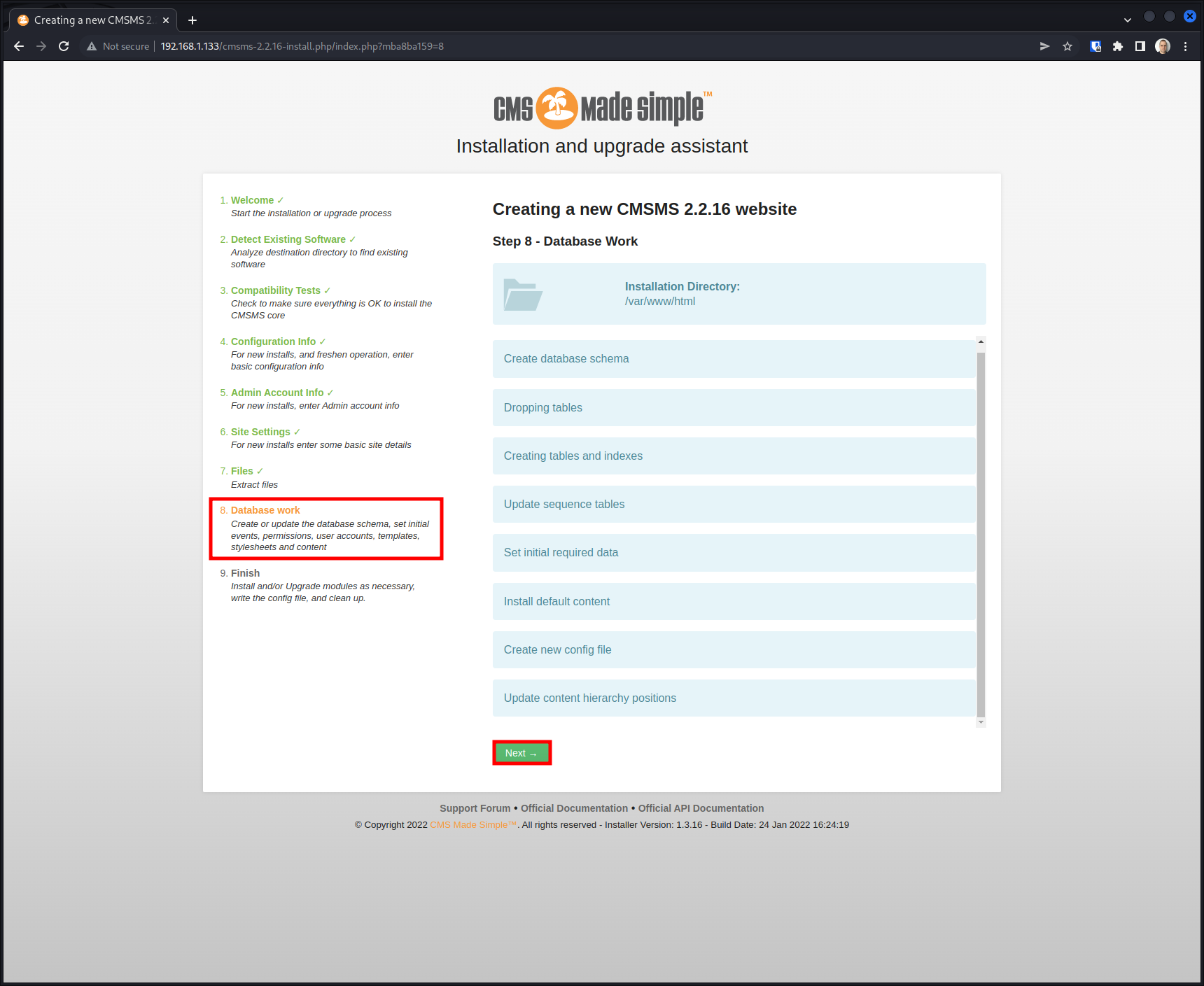
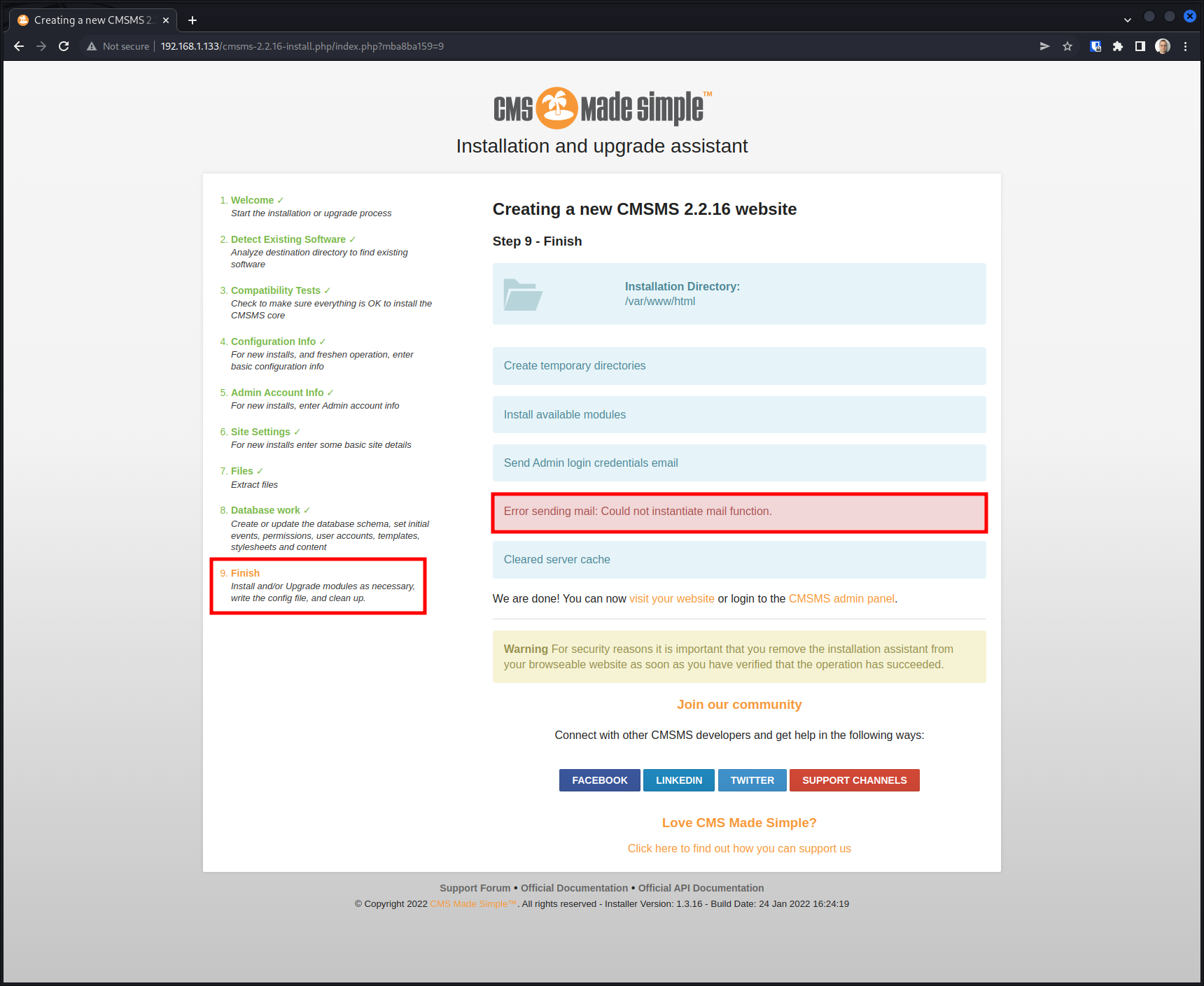
The installation is complete!
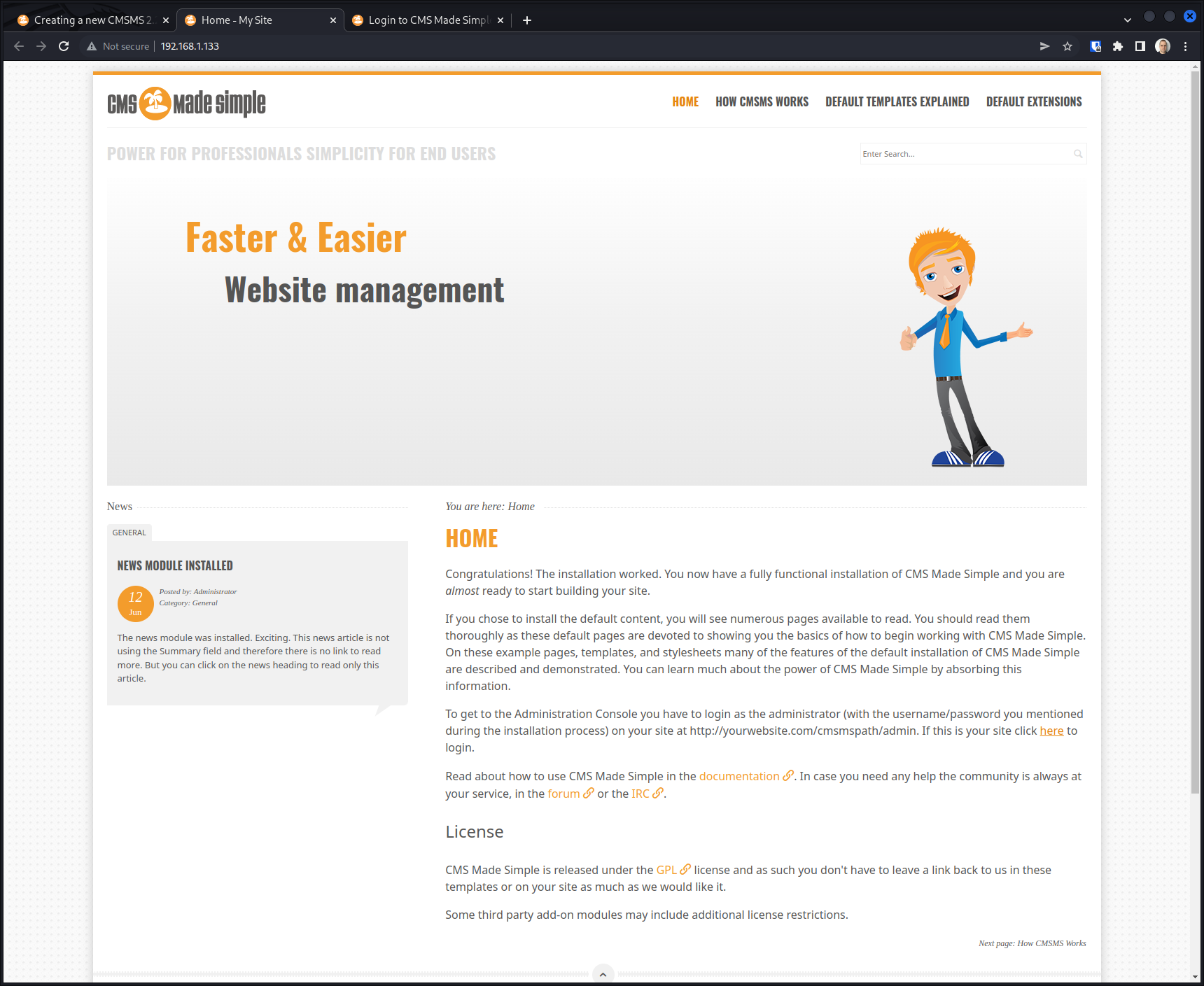
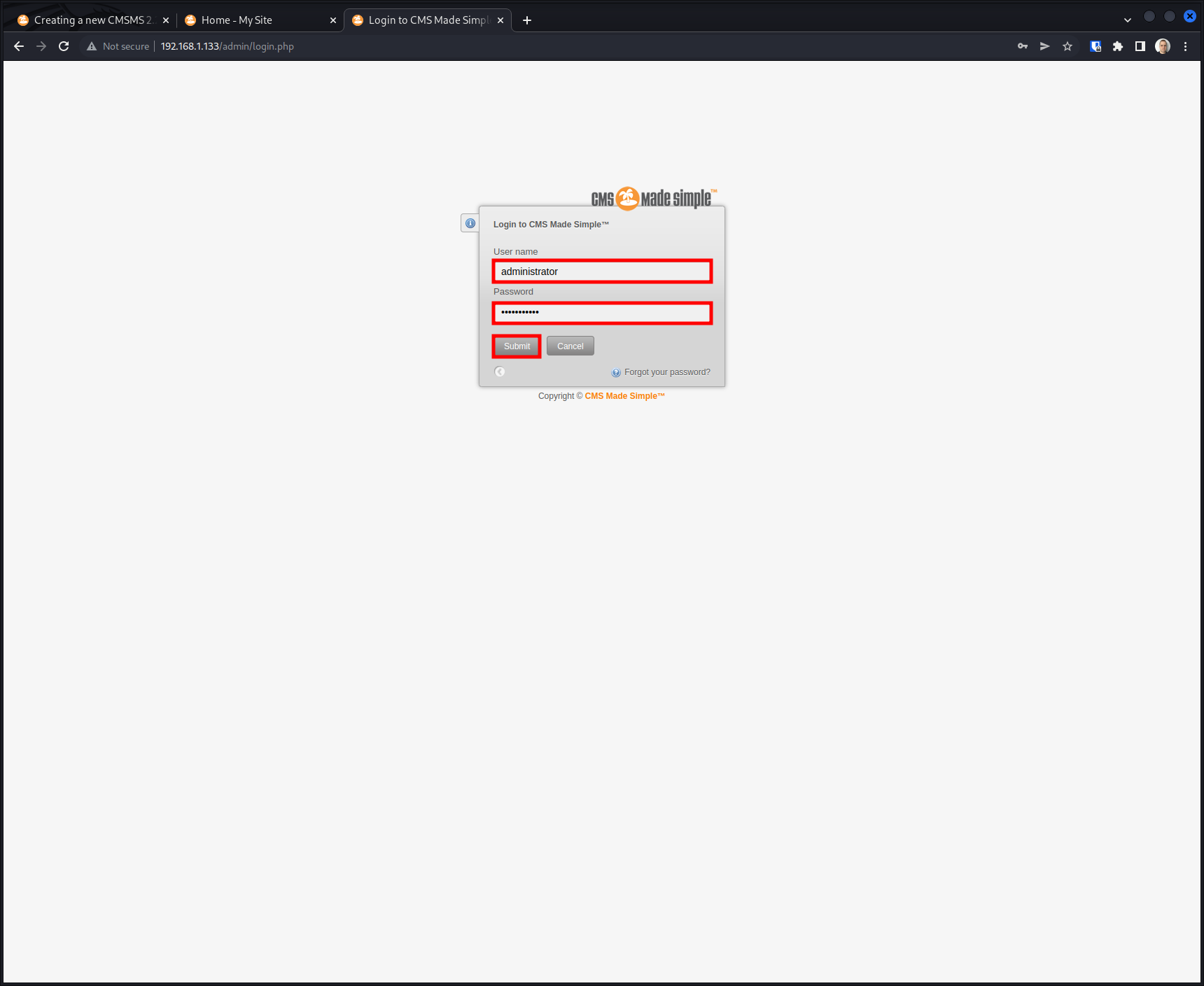
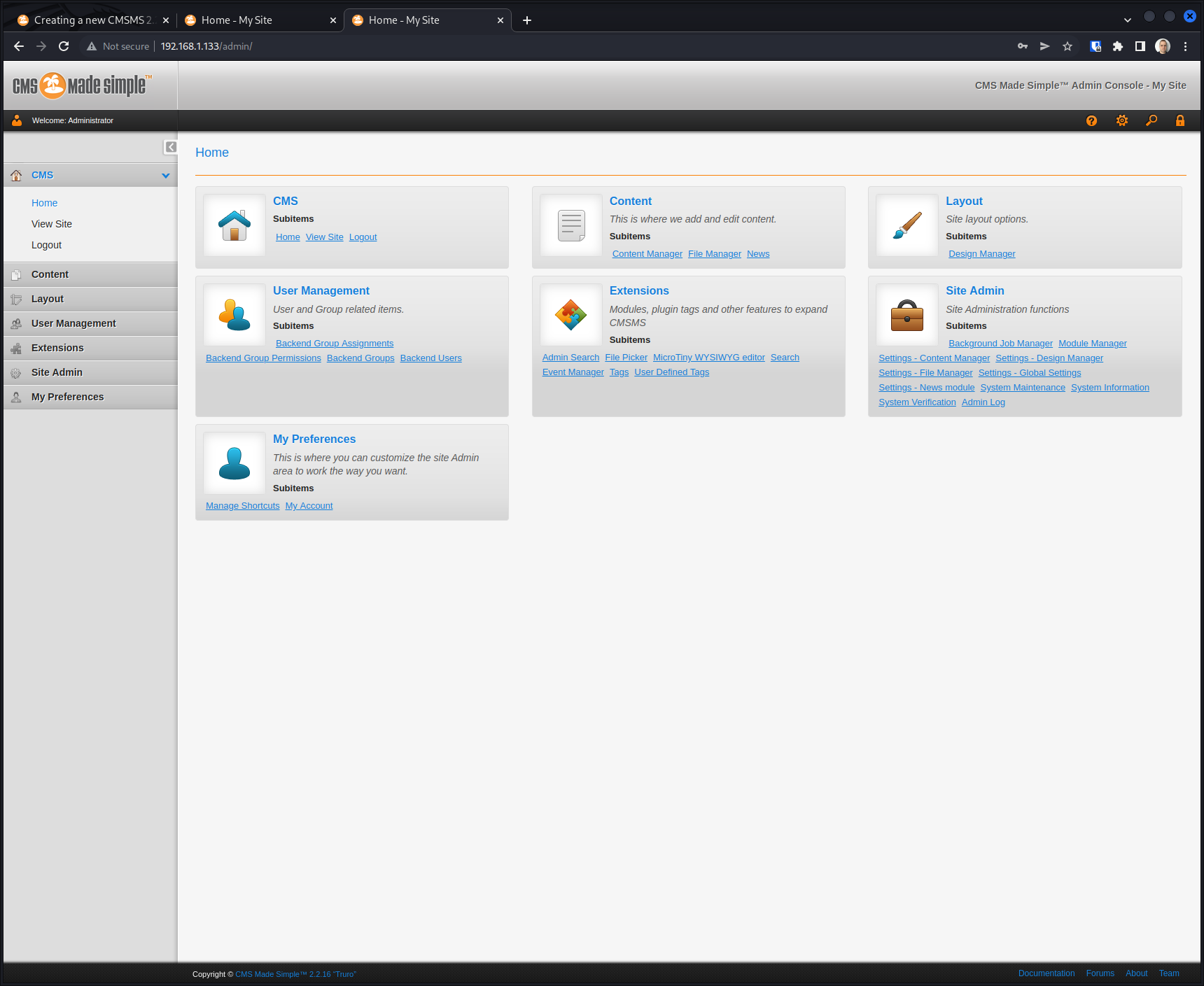
Access the website at http://192.168.1.133/ and the Admin Console at http://192.168.1.133/admin/.
Note: A few recommended follow-up steps after installation: