This is a shortlist of some essential hardware for any home lab:
- Single Board Computers
- Routers
- GL-iNet GL-AR750S-Ext [Link]
- A capable travel router with 3 Gbps ports, independent dual-band access point, MicroSD reader, USB port, native OpenVPN support, programmable physical buttons, and more.
- Netgate SG-1100 [Link]
- A professional 3-port router running pfSense (Netgate are the official developers), with USB 3, USB 2, and mini PCIe.
- Protectli Vault [Link]
- Fanless, x64 CPU, 2 to 6 Gbps ports. Supports hypervisors (XCP-ng, Proxmox), bare-metal OSes (Windows, Linux), and more.
- GL-iNet GL-AR750S-Ext [Link]
- Gadgets and Microcontrollers
- Raspberry Pi Pico [Link]
- A $5 microcontroller suitable for all automation projects.
- Digispark ATTINY85 [Link]
- An $8 Arduino-compatible USB development board.
- Hak5 LAN Turtle [Link]
- Runs OpenWRT. Can be used as a versatile toolkit (with an internal MicroSD card reader) or as a permanent physical implant for a reverse shell, Man-In-The-Middle attacks, and more.
- Hak5 Shark Jack [Link]
- A portable network attack and automation tool that runs OpenWRT.
- Raspberry Pi Pico [Link]
LAN Turtle
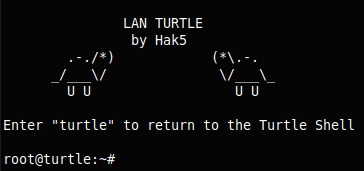
- IP from the USB side: 172.16.84.1/16
- Default credentials: root:sh3llz
-
ssh -oHostKeyAlgorithms=+ssh-rsa -oPubkeyAcceptedAlgorithms=+ssh-rsa [email protected]
-
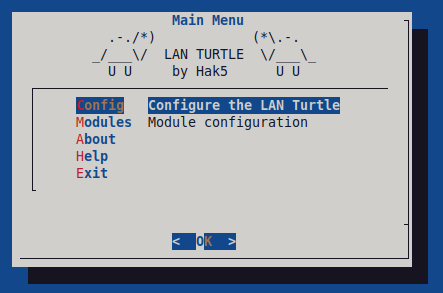
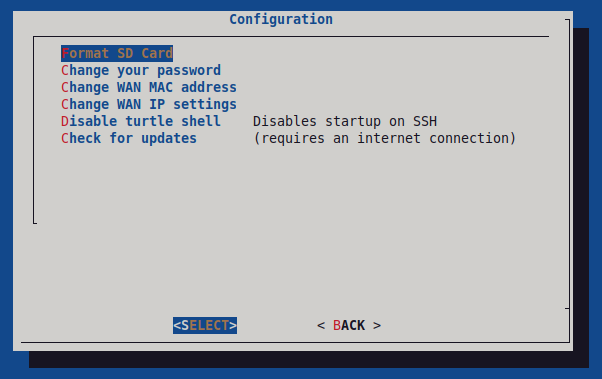
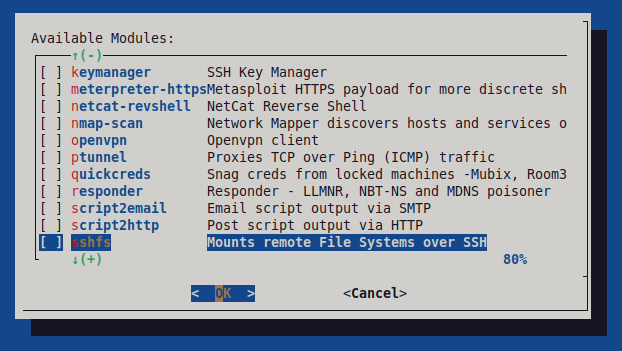
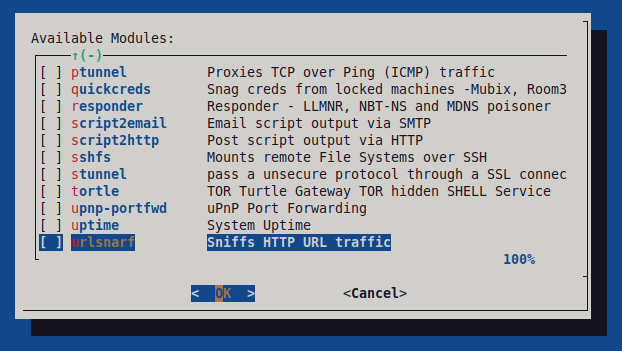
- To open the configuration menu, type: turtle
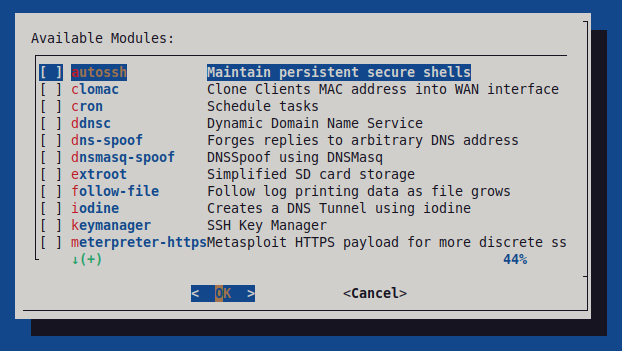
- Installed modules live at
/etc/turtle/- Example script for the
httppostmodule:-
echo "Turtle is Online!" echo "" # Wait for IP assigned to eth1 while ! ip a show dev eth1 | grep "global"; do sleep 1; done > /dev/null echo "Internal IPs" ip a | grep global | sort echo "" echo "Gateways" GWAY=$(route | grep default | awk {'print $2'}) echo "$GWAY" echo "" echo "Public IP" PUB=$(wget -q -O- http://ipinfo.io/ip) echo "$PUB" - Use a pub-sub service such as ntfy [Link] to receive a push notification on your phone.
-
- Example packet sniffer for common unencrypted traffic, saved to the SD card:
-
( tcpdump -U -C 100 -W 10 -i eth0 port '(21 or 23 or 25 or 53 or 80 or 110 or 143 or 161 or 389)' -w /sd/unencrypted.pcap &>/dev/null ) &
-
killall tcpdump
- Writes without buffering and splits output into 100 MB chunks, up to 10 files. The second command stops the capture gracefully.
-
- Example script for the
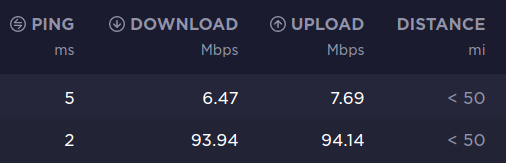
- Speed Test
- File transfer over SSH: 16.3 Mbps
- Speed test with OpenVPN (top) and without (bottom):
Shark Jack

- IP from the USB side: 172.16.24.1/16
- Default credentials: root:hak5shark
- Switch positions:
- OFF/Charging – Does not boot.
- Arming Mode – Boots but does not trigger the payload; used for configuration only.
- Attack Mode – Boots and immediately runs the payload.
- Main directories:
- /root/loot/ (payload output)
- /root/payload/ (payloads auto-execute from here)
- /tmp/ (volatile)
- LED status:
- Green blinking – booting up
- Blue blinking – charging
- Blue solid – fully charged
- Yellow blinking – arming mode
- Red blinking – error or no payload found
- Payload repository [Link]
- The RJ-45 connector acts as a light guide and houses an RGB LED for status signaling.
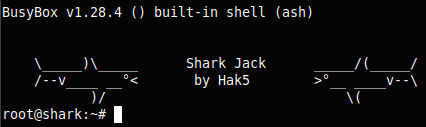
Since it runs OpenWrt 18, packages can be installed with opkg:
opkg update
opkg list
opkg install nano
opkg install arp-scan
opkg install tcpdump
opkg install nping
BONUS
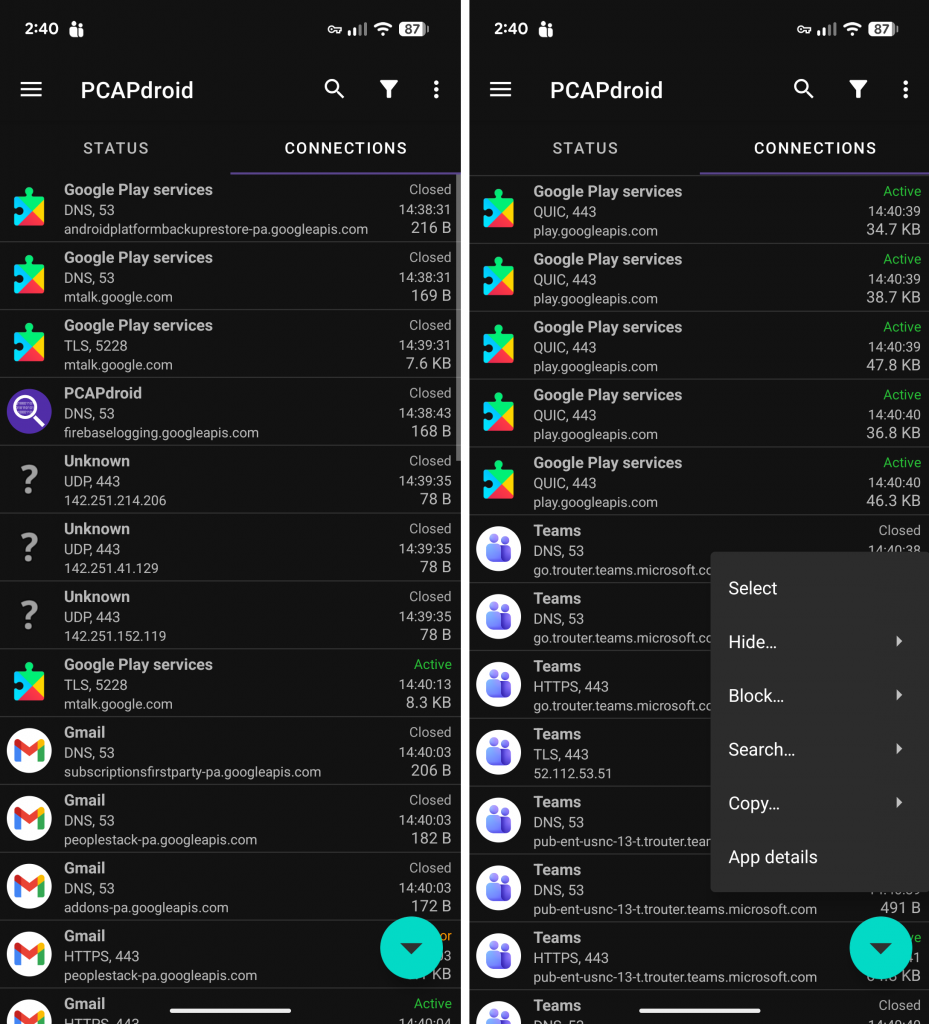
PCAPdroid is a Wireshark equivalent for Android. It captures and exports PCAP files, and can also track, analyze, and block connections made by other apps on the device [Link]. It works by posing as a VPN to intercept traffic.
BONUS
Learn how to turn your Shark Jack into a semi-permanent network implant: Hacking the Hak5 Shark Jack [Link].
Also see: Installing Hak5 C2 3.1.1 in Docker [Link].