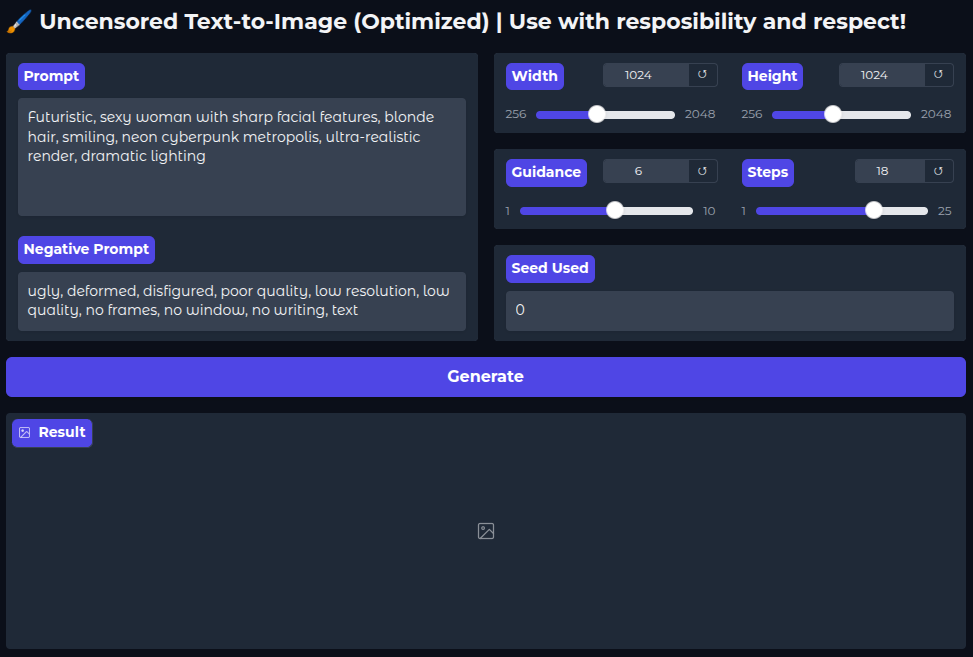
TEXT-TO-IMAGE
In the script below, the diffusers library is imported and the DiffusionPipeline class loads a pre-trained model. The pipeline (pipe) then processes the prompt and returns the generated image.
from diffusers import DiffusionPipeline

pipe = DiffusionPipeline.from_pretrained(
    "stabilityai/stable-diffusion-xl-base-1.0",
)

prompt = "A red flower."

image = pipe(
    prompt=prompt
).images[0]

image.save("output.png")
Additional parameters can be passed to the pipeline to refine the output. See the example below:
image = pipe(
    prompt="A green cat.",
    negative_prompt="red flower",
    num_inference_steps=18,
    guidance_scale=8,
    width=512,
    height=512,
).images[0]
The following image shows the output across all 18 inference steps:
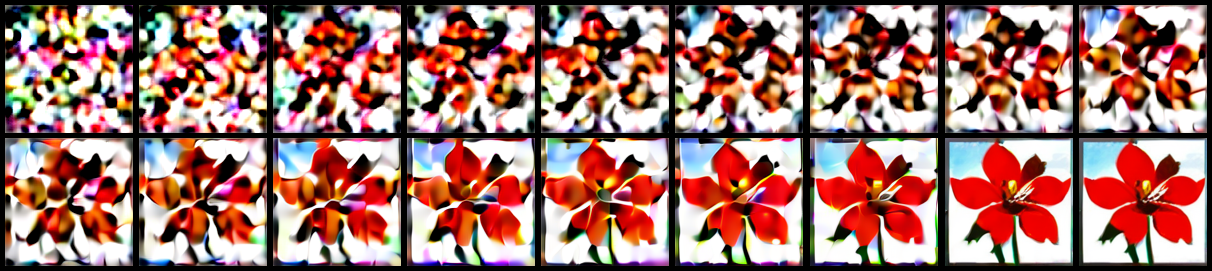
For the full code used to generate the images above, see Text2Image [Link].