IMAGE-TO-IMAGE
While Text-to-Image starts from pure random noise, Image-to-Image partially diffuses an existing image and then denoises it to introduce new features based on a prompt.
Since the pipeline takes an image as input, it must be loaded into memory before processing.
from PIL import Image
from diffusers import StableDiffusionImg2ImgPipeline

pipe = StableDiffusionImg2ImgPipeline.from_pretrained(
    "stable-diffusion-v1-5/stable-diffusion-v1-5",
)

result = pipe(
    prompt="Smiling face.",
    image=Image.open("flower.png").convert("RGB"),
    strength=0.5,
    guidance_scale=7.5,
).images[0]

result.save("output.png")
Note the new parameter: strength. It controls how much noise is added to the input image before denoising begins. Higher values allow more creative freedom; lower values stay closer to the original.
Example:
- With 20 inference steps and a strength of 0.2, only 20% of steps are applied:
- 20 × 0.2 = 4 denoising steps.
The images below show the final denoising steps that transformed the flower into a smiling face.

Note: It is not possible to edit a specific area of the image, as noise is applied uniformly across the entire image.
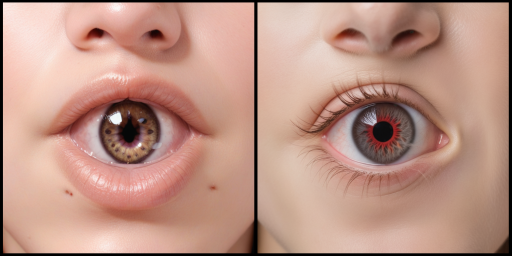
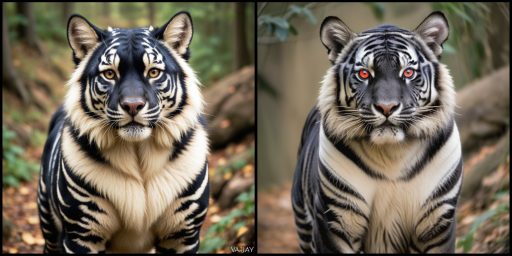
For the full code used to generate the images above, see Image2Image [Link].