UPSCALING
Upscaling models are specialized architectures designed to increase image resolution by a specific factor (e.g., 2x, 4x, or 8x).
Unlike standard resizing, these models use a generative pipeline to fill in missing details, producing a sharp, high-resolution output from a low-resolution input.
from PIL import Image
from diffusers import StableDiffusionUpscalePipeline

pipe = StableDiffusionUpscalePipeline.from_pretrained(
    "stabilityai/stable-diffusion-x4-upscaler",
)

result = pipe(
    prompt="high quality, detailed, sharp focus.",
    image=Image.open("cat.png").convert("RGB"),
    guidance_scale=7.5,
).images[0]

result.save("output.png")
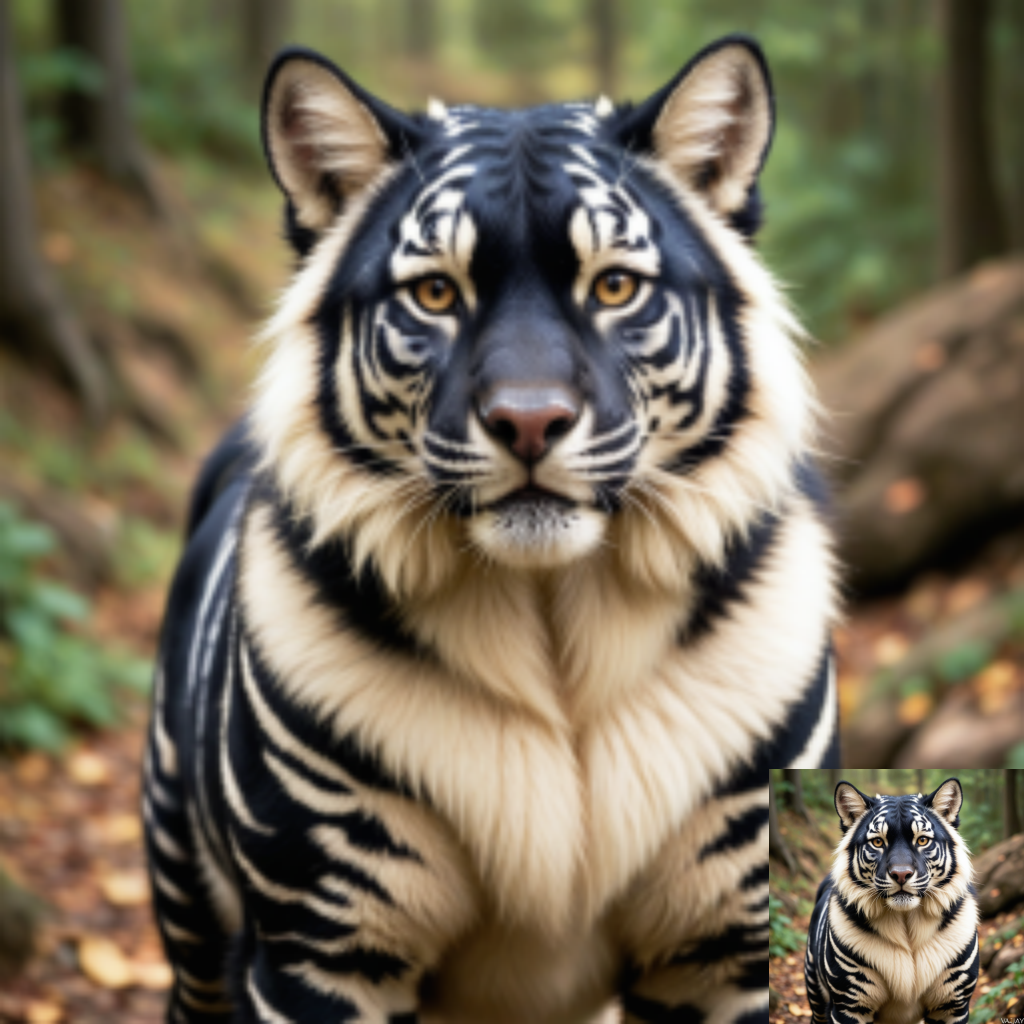
For comparison, here is a standard bilinear expansion (lossy/blurry) at 4x scale:
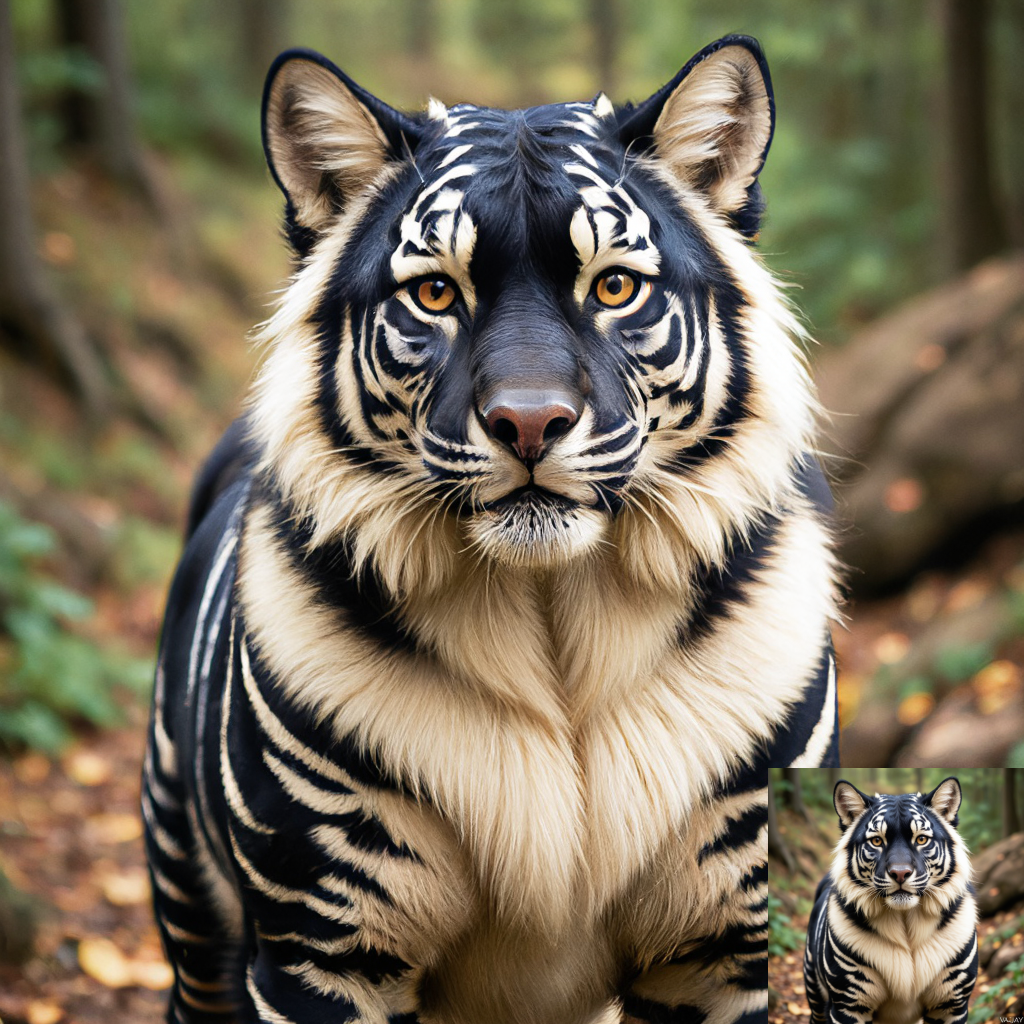
And here is the same image processed via AI upscaling (generative refinement):
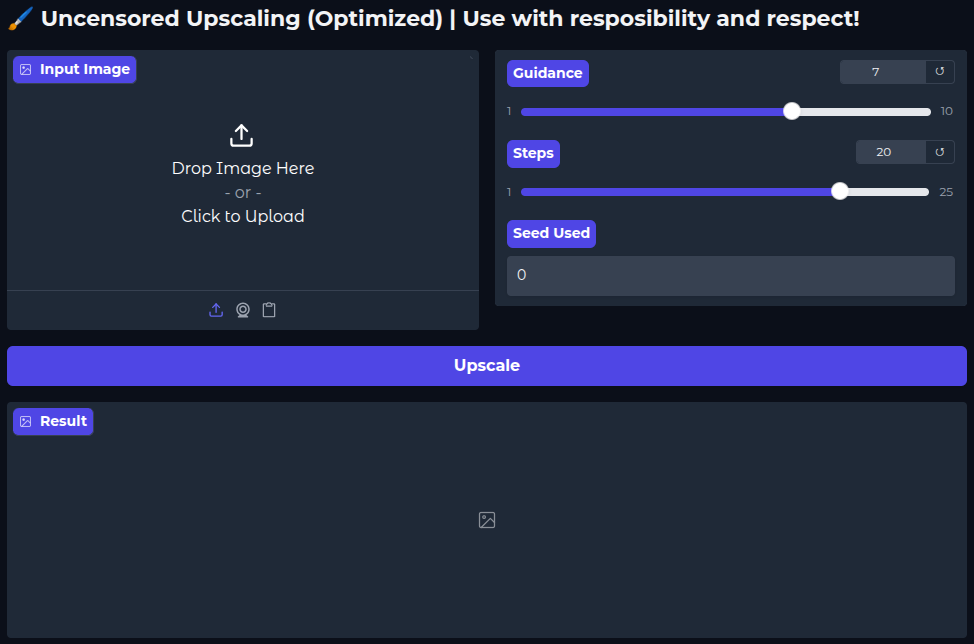
For the full code used to generate the images above, see Upscaling [Link].
ENHANCING
Enhancing improves clarity and sharpness without changing the image dimensions. A common workflow involves upscaling an image to capture detail, then downscaling it back to the original size.
In the example below, we use a Convolutional Neural Network (CNN) rather than a diffusion model. This approach tends to be more faithful to the original colors and structures than generative alternatives.
from super_image import EdsrModel, ImageLoader
from PIL import Image

image = Image.open('cat.png')

model = EdsrModel.from_pretrained(
    'eugenesiow/edsr-base',
    scale=2
)

inputs = ImageLoader.load_image(image)
preds = model(inputs)

ImageLoader.save_image(preds, 'output.png')
EXTENDING
Extending is a form of outpainting. It uses a mask to guide the model in generating new pixels beyond the original image boundaries, effectively expanding the canvas while maintaining stylistic consistency.
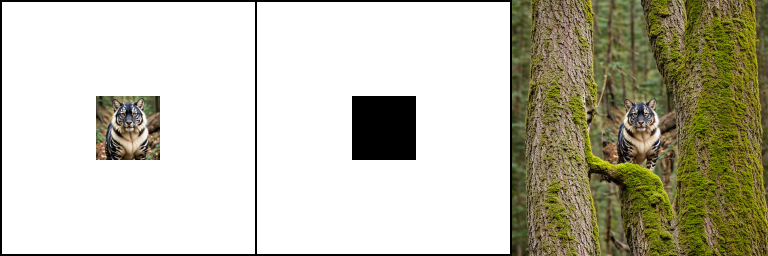
For a deeper dive and code samples, see Inpainting / Outpainting [Link].