Project Cockpit is a lightweight, web-based interface that lets you monitor and manage your servers with easy access to logs, services, networking, containers, virtual machines, storage, and more [Link].
INSTALLATION ON UBUNTU
This should work the same way for most Debian-based distros.
sudo apt update && sudo apt upgrade -y
sudo apt install bridge-utils -y
sudo apt install cockpit -y
sudo systemctl enable cockpit.socket
sudo ufw allow 9090
The following packages are recommended for extended features.
sudo apt install cockpit-machines cockpit-podman cockpit-pcp libvirt-dbus -y
sudo apt install -t noble-backports -y
sudo usermod -a -G libvirt libvirtdbus
sudo usermod -a -G libvirt $USER
For managing Virtual Machines, KVM+QEMU must be installed.
sudo apt-get install qemu-kvm libvirt-daemon-system libvirt-clients bridge-utils -y
sudo reboot
Read more about the KVM and QEMU Cheat Sheet [Link].
INSTALLATION ON ROCKY / ALMA
This should work the same way for most RHEL-based distros like Fedora.
sudo su -
dnf update -y
dnf install cockpit cockpit-machines libvirt wget nano -y
firewall-cmd --permanent --zone=public --add-service=cockpit
firewall-cmd --reload
systemctl enable --now libvirtd cockpit.socket
adduser admin && passwd admin && usermod -aG wheel admin && echo "admin ALL=(ALL) NOPASSWD:ALL" | tee /etc/sudoers.d/admin
WEB-UI USAGE
Navigate to your server at https://<IP>:9090/.
Log in using a system account, preferably a service account with sudo privileges. Avoid using root as much as possible.

Elevate your privileges to an “administrator”.
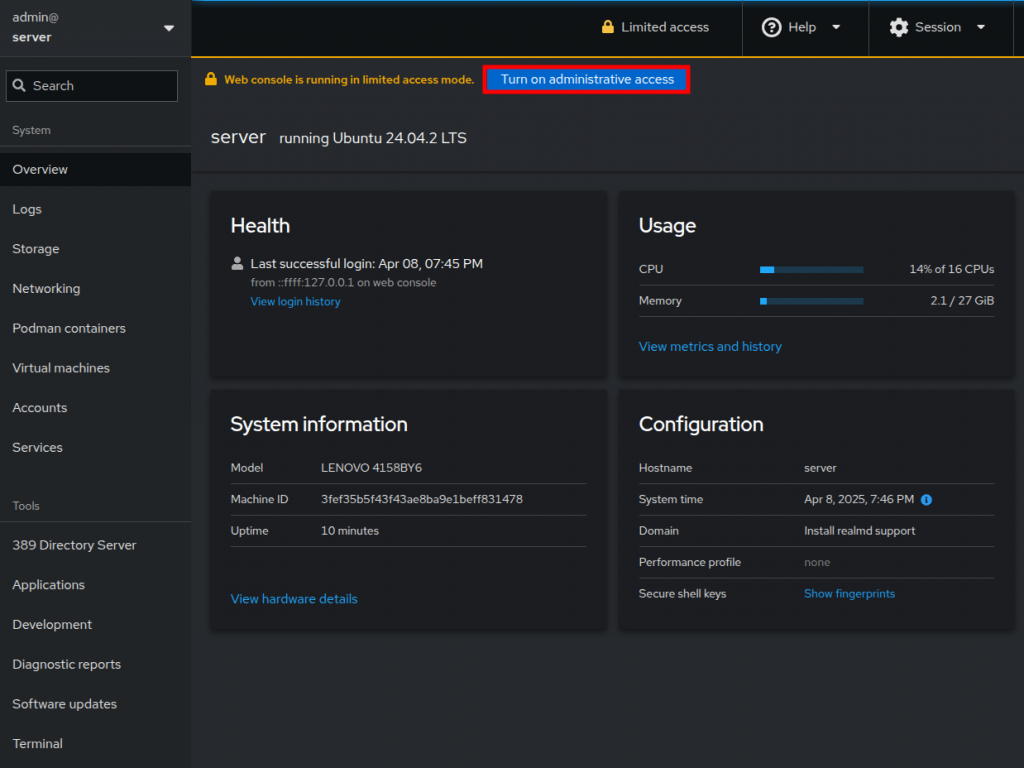
A confirmation prompt may appear.

Logs can be searched and filtered with ease.

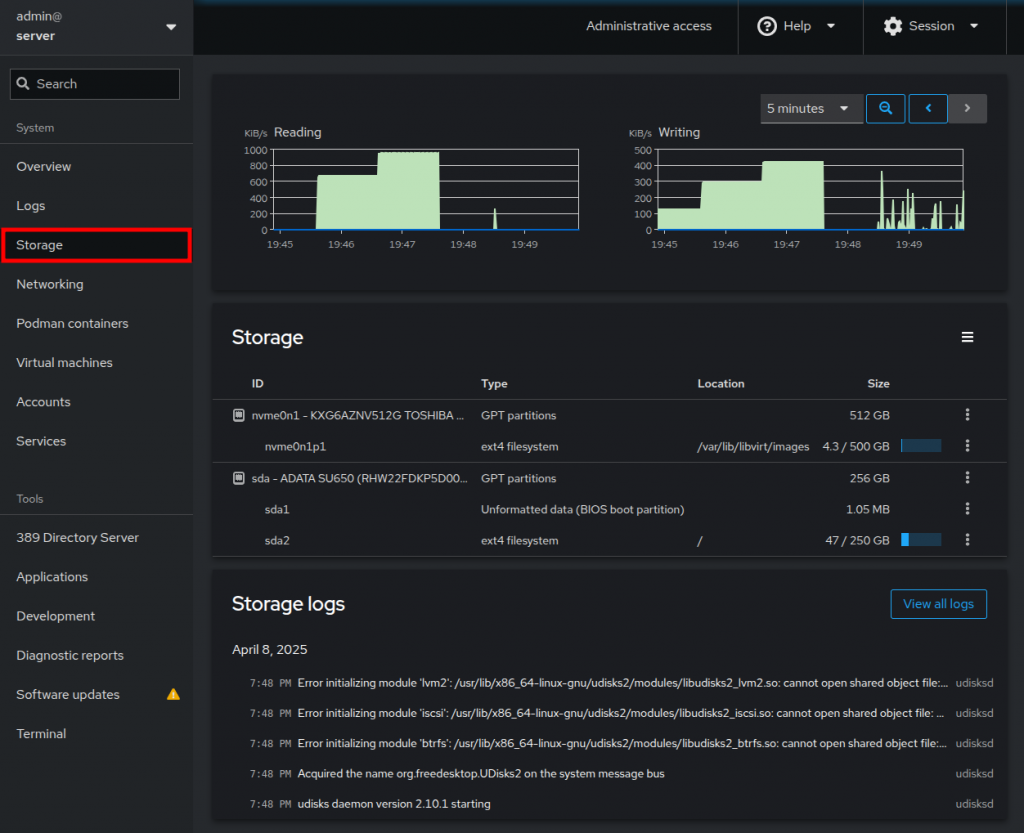
Storage device utilization and metrics.
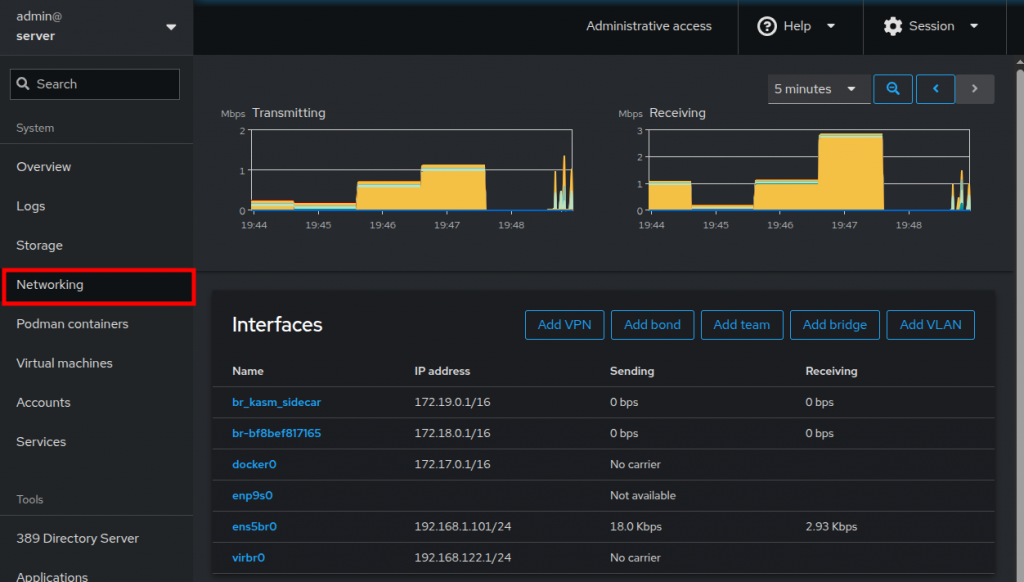
The same applies to Network adapters, both physical and virtual.

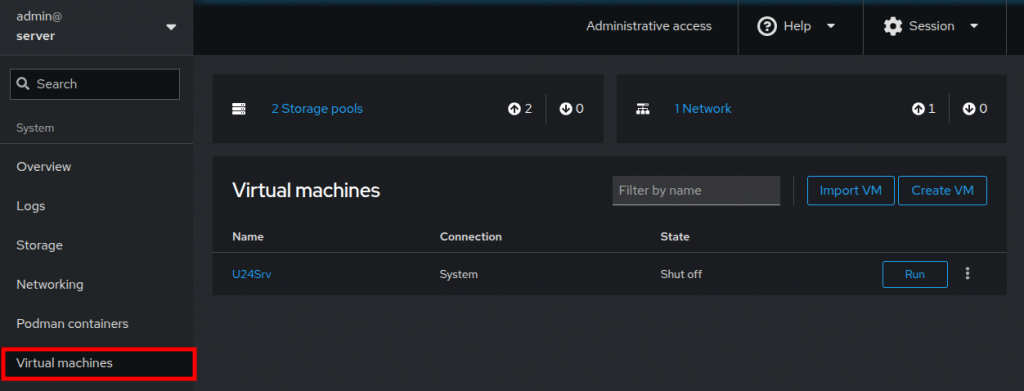
Virtual Machines can be deployed and managed, with a responsive graphical console.

Users and groups can be managed under Accounts.
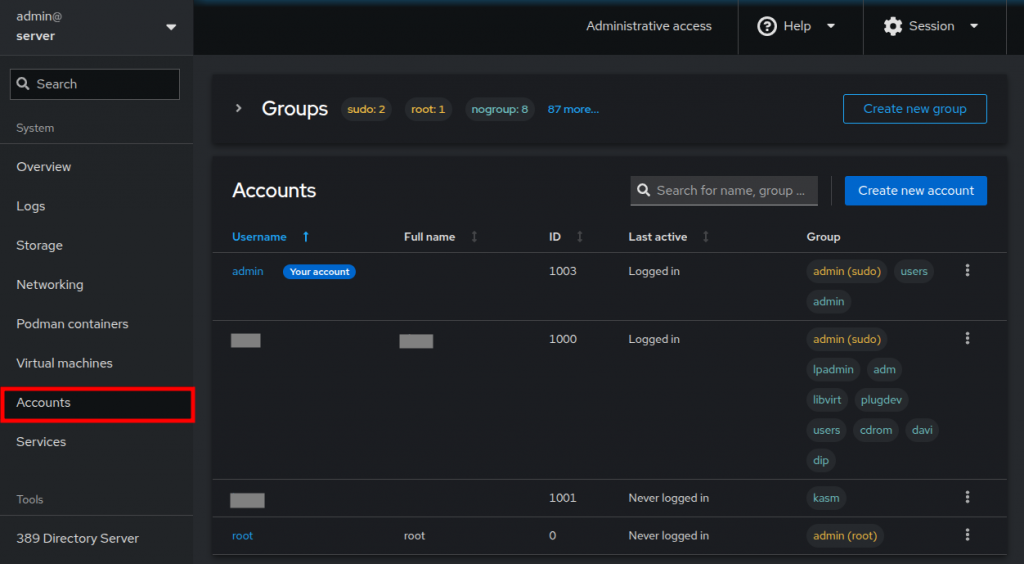
Services allows you to start and stop any daemon or system asset, including targets, sockets, timers, and paths.

Software Updates displays available patches, with security updates highlighted in red.
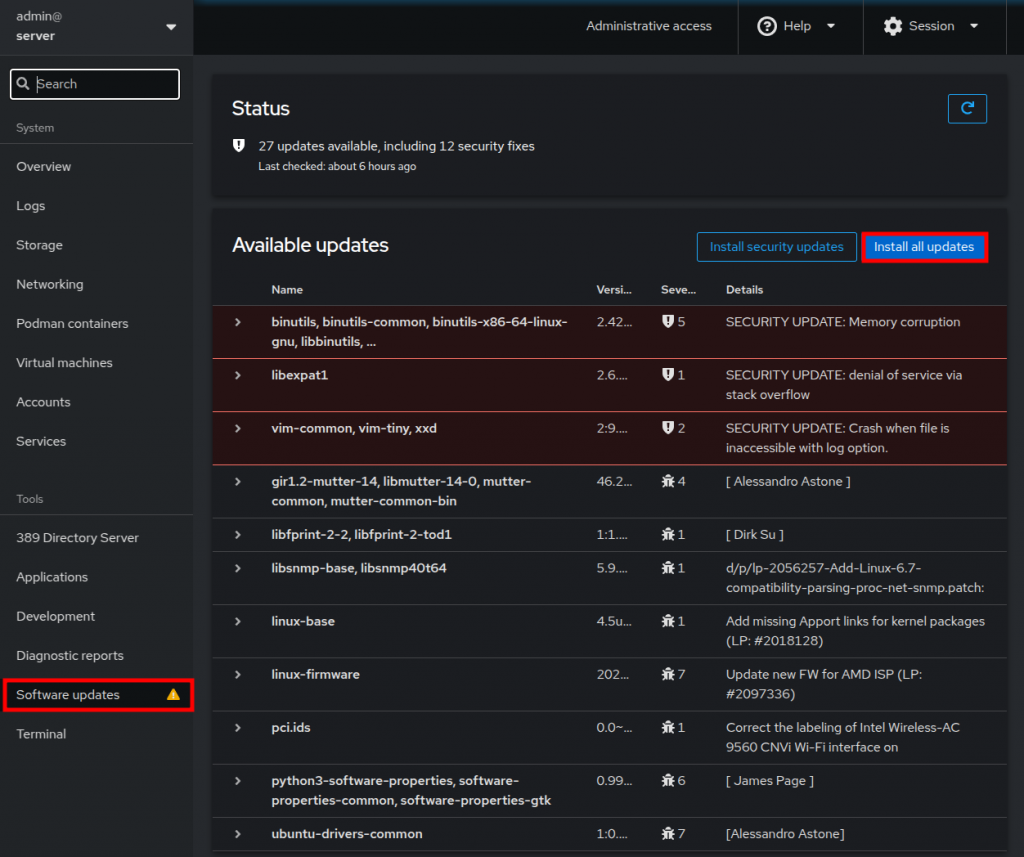
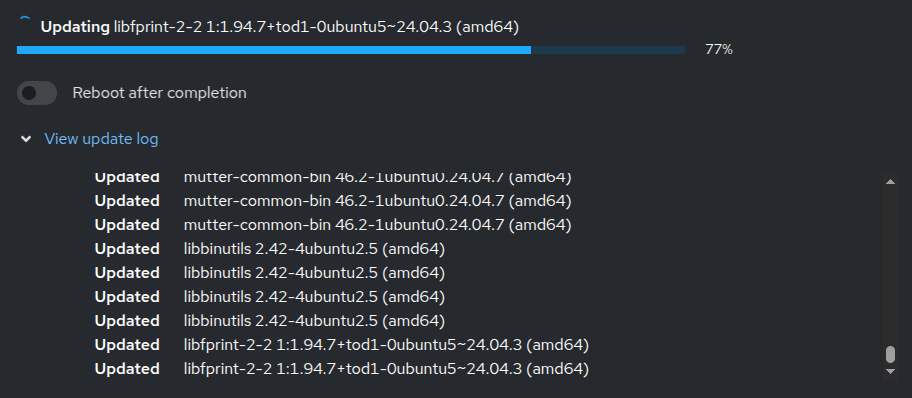
The update process is displayed similarly to the CLI.
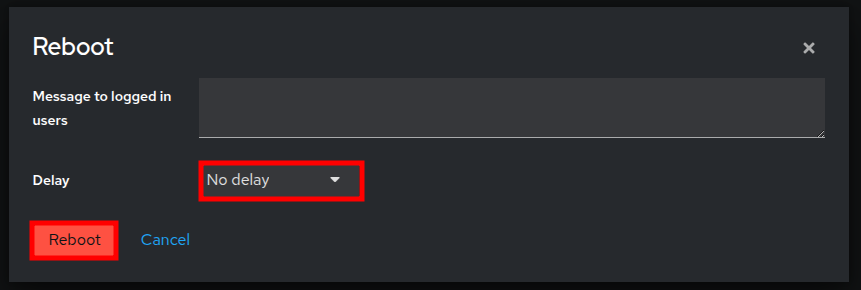
If a reboot is needed to apply updates, you will be prompted at the end.
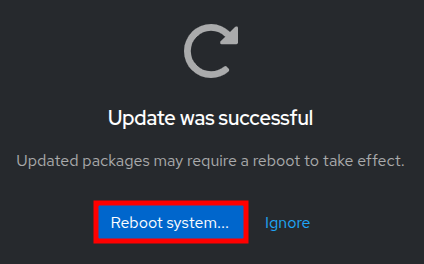
No delay before rebooting is necessary.
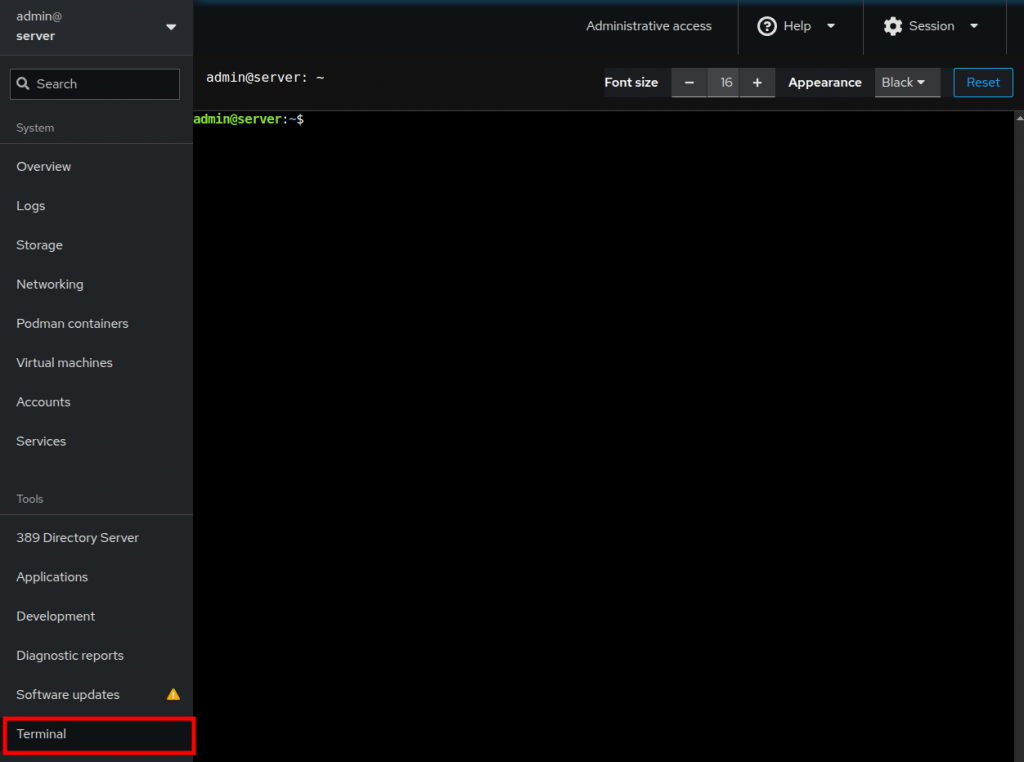
Finally, a web-based Terminal is also available.
REFLECTIONS
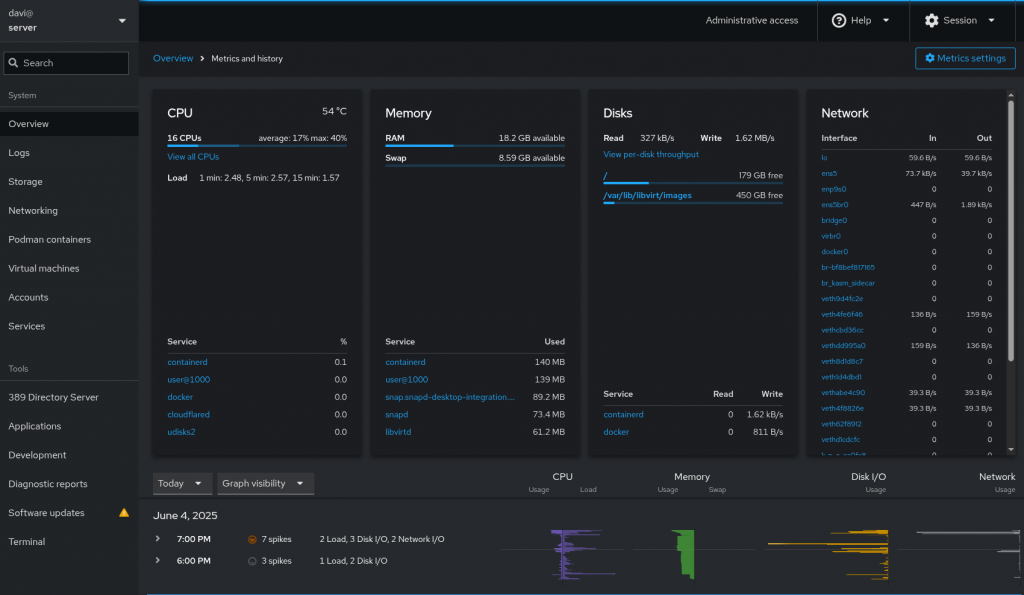
Project Cockpit offers much more than covered here. This was just an overview of its most notable features and a quick reference guide.
A TLS certificate beyond the default self-signed one that Cockpit generates is highly recommended. Issue the certificates and place them as follows.
- Full chain of certificates at:
- /etc/cockpit/ws-certs.d/99-letsencrypt.cert
- Private key at:
-
- /etc/cockpit/ws-certs.d/99-letsencrypt.key
-
To apply (especially if the certificate is issued programmatically).
/usr/lib/cockpit/cockpit-certificate-ensure && systemctl restart cockpit