Talos Linux is Linux designed to be secure, immutable, and minimal [Link]. Its only purpose is to be a Kubernetes appliance that can be installed on bare metal or virtual environments [Link].
Talos is production-ready, capable of running large clusters while simplifying deployment and management via an API with no shell or console access. It is completely locked down!
The latest ISO is 100 MB, and upgrades are atomic since it is an immutable image-based distro.
PREREQUISITES
Easy install on Ubuntu:
sudo snap install kubectl --classic
curl -sL https://talos.dev/install | sh
Both kubectl and talosctl are binaries that can also be manually downloaded and executed directly.
INSTANCES DEPLOYMENT
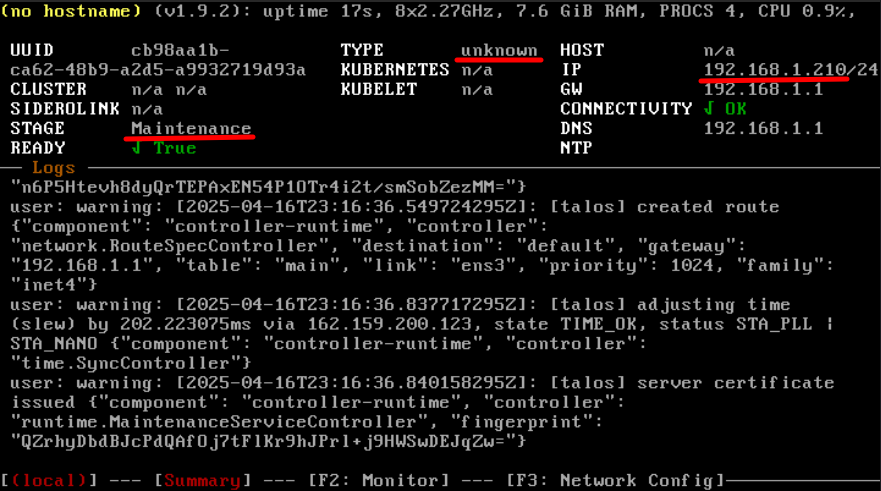
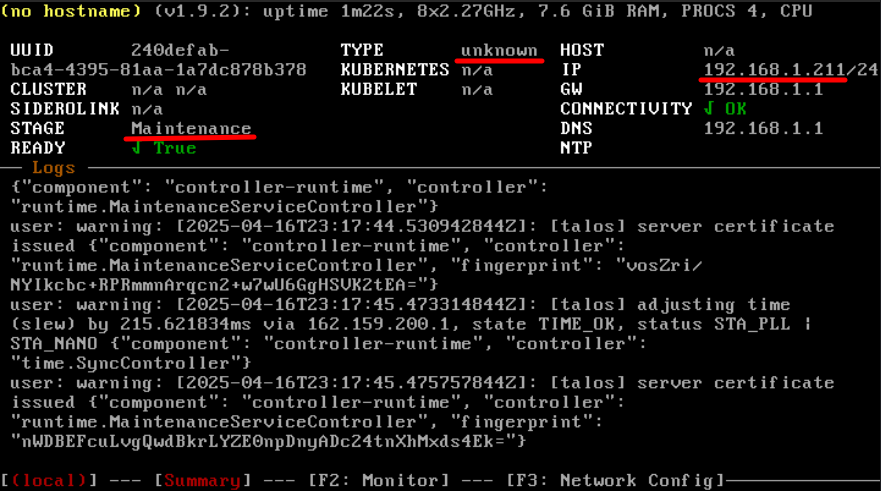
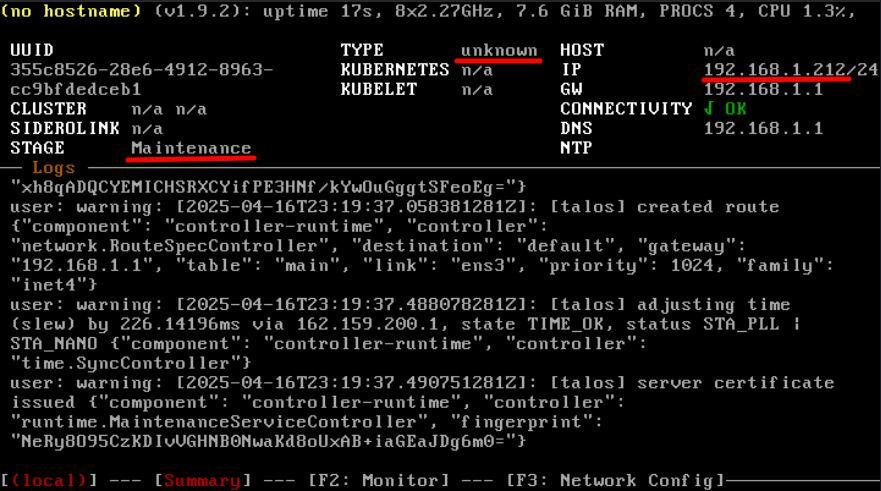
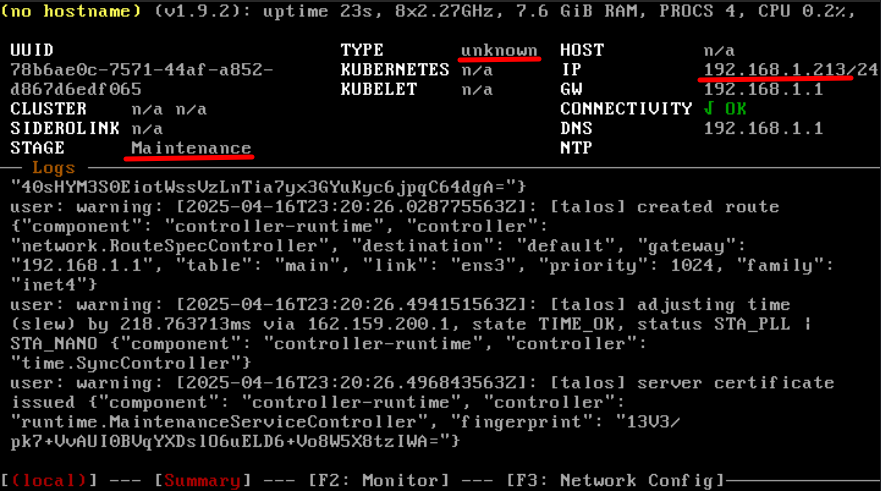
Download the ISO, boot instances with it, and allocate a few IPs in the DHCP server to the cluster.
INSTALLATION
For simplicity, this post uses 1 Control node (production environments require at least three) and 3 Worker nodes.
Set the environment variables.
export CLUSTER_NAME=k8s
export CONTROL=192.168.1.210
export WORKER1=192.168.1.211
export WORKER2=192.168.1.212
export WORKER3=192.168.1.213
Generate the machine configurations for the cluster (three files will be created locally).
talosctl gen config $CLUSTER_NAME https://$CONTROL:6443
Apply the configuration to the Control and Worker nodes.
talosctl apply-config --insecure -n $CONTROL --file controlplane.yaml
talosctl apply-config --insecure -n $WORKER1 --file worker.yaml
talosctl apply-config --insecure -n $WORKER2 --file worker.yaml
talosctl apply-config --insecure -n $WORKER3 --file worker.yaml
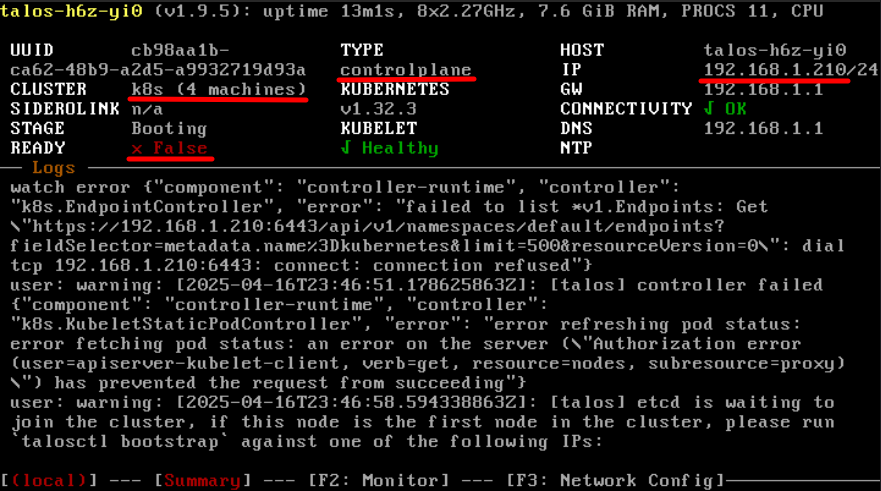
Set the local context for talosctl and bootstrap the cluster.
export TALOSCONFIG="talosconfig"
talosctl config endpoint $CONTROL
talosctl config node $CONTROL
talosctl bootstrap
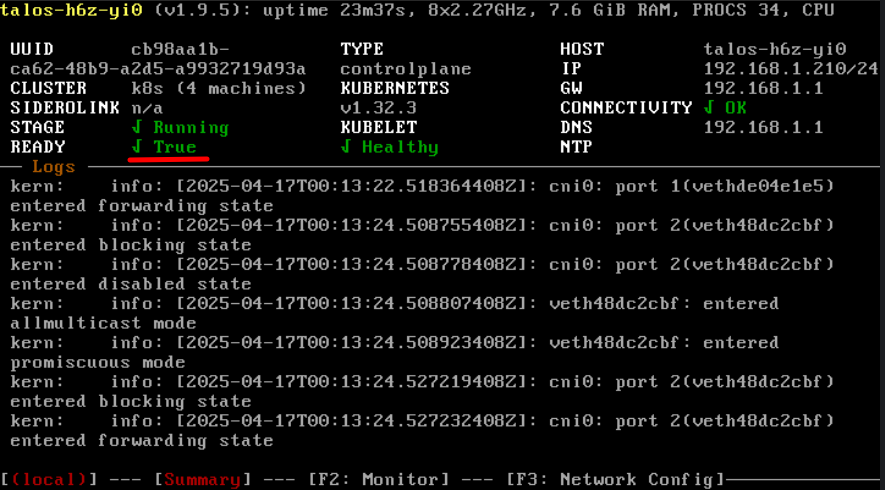
Wait a minute, then test and download ~/.kube/config.
talosctl -e $CONTROL containers
talosctl -e $CONTROL kubeconfig
chmod 600 ~/.kube/config
Test using kubectl.
kubectl get pods -A
kubectl get nodes -A
kubectl get services -A
kubectl get ingress -A
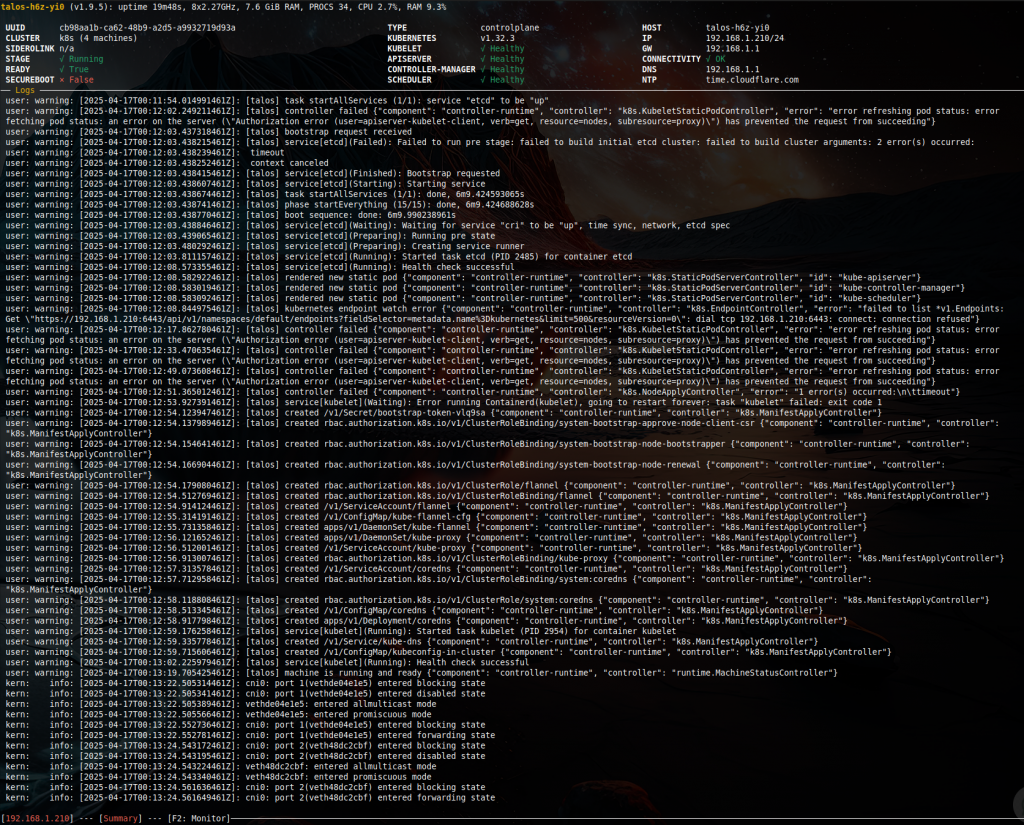
Check health and real-time metrics.
talosctl health
talosctl dashboard
Use F2 and F1 to switch between Monitor and Summary.

UPGRADING
Upgrade Talos.
talosctl upgrade -n 192.168.1.210 --preserve --wait --debug --image ghcr.io/siderolabs/installer:v1.x.x
Note: the --preserve flag should be used with a single Control node cluster. It prevents wiping ephemeral data since there is no other Control node to retain the cluster state.
Upgrade Kubernetes.
talosctl upgrade-k8s --to 1.y.y
Troubleshooting tools.
talosctl netstat
talosctl dmesg
talosctl pcap
talosctl memory
talosctl processes
BONUS
IncusOS is a similar purpose-built Linux appliance for running system containers (LXC) and virtual machines (KVM) on x64 or ARM hardware [Link].
It can be installed on local storage or run from a live USB stick [Link]. See installation options for physical or virtualized deployments [Link].
Getting started requires creating a TLS client certificate for the initial trusted client.
sudo apt install incus-client -y
incus remote generate-certificate
cd ~/.config/incus/
cat client.crt
Then insert it into the media download wizard to embed it in the image.
OTHER POSTS
MicroK8S on Ubuntu [Link].
Minikube on Ubuntu [Link].
K3s on Ubuntu [Link].
K8s Persistent Volumes [Link].
K8s Cheat Sheet [Link].
K8s Dashboard [Link].